1
Preventing Media Misfeeds
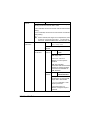
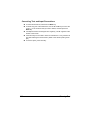
Make sure that...
Media matches the machine specifications.
Media is flat, especially on the leading edge.
The machine is on a hard, flat, level surface.
You store media in a dry location away from moisture and humidity.
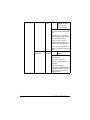
You remove transparencies from the output tray immediately after printing to
avoid static buildup.
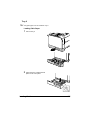
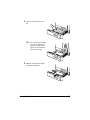
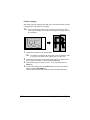
You always adjust the media guides in Tray 2/3 after inserting the media (a
guide that is not properly adjusted can cause poor print quality, media misfeeds, and machine damage).
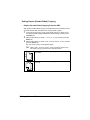
You load the media printing-side up in the tray (many manufacturers place
an arrow on the end of the wrapper to indicate the printing side).
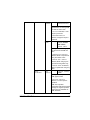
Avoid...
Media that is folded, wrinkled, or excessively curled.
Double feeding (remove the media and fan the sheets—they may be sticking
together).
Fanning transparencies since this causes static.
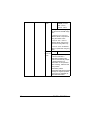
Loading more than one type/size/weight of media in a tray at the same time.
Overfilling the trays.
Allowing the output tray to overfill (the output tray has a 250 sheet capacity—misfeeding may occur if you allow more than 250 sheets of media to
accumulate at one time).
Allowing the output tray to fill with more than a few transparencies.
Preventing Media Misfeeds
247