1
Getting Started
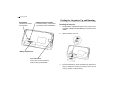
Since the backlight drains power from the operating
batteries, excessive use of the backlight will significantly
reduce your battery life.
Continuous use of the backlight will, over time, lead to
gradual loss of brightness.
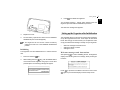
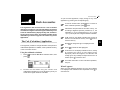
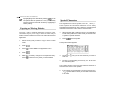
Menu operations
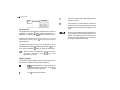
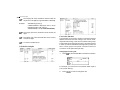
Another powerful aspect of using the Organizer is its menu
system, which can be used to quickly issue commands and
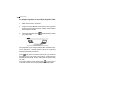
perform operations. Press
once displays the application
menu, which contains the operations and commands specific
to the particular application.
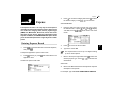
Getting to Know Your Organizer
OZ-770 is a compact yet sophisticated information management
device that you can use anytime. Its applications and utilities
allow you to enter and organize information, and it has powerful
communications facilities that enable you to put that information
to optimum use when you return to your home or office. You
can quickly update your computerized mailing lists, for example,
or even transfer your notes, letters and memos onto a PC for
further processing.
Applications
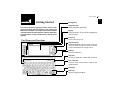
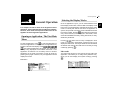
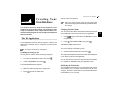
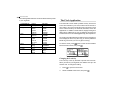
Operations on the Organizer are performed using applications.
The Organizerís Calendar and Schedule, for example, are
applications that record and display time related information.
To start an application, select the application in the Main Menus
or press the Application keys on the left of the screen (Main /
Tel / Schedule / Memo / My Programs).
When working in one application, you can switch to another
application simply by pressing that application key (Main / Tel /
Schedule / Memo / My Programs only). Data being processed
in the first application will be kept, even if the entry is not
complete.
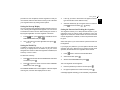
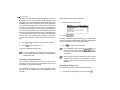
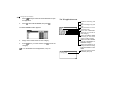
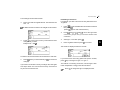
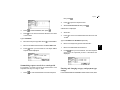
Pop-up menus
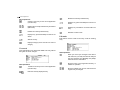
The Organizerís pop-up menus offer a convenient and efficient
method of selecting options from pre-defined lists, similar to
many of the latest personal computer application software
packages. Most applications and functions contain some popup fields. When the user moves to one of these fields, the popcauses
up symbol appears on the right of the field. Pressing
the pop-up menu to appear, containing a list of options or
values currently available for that field. You can then select the
desired item from the list without having to type any text.
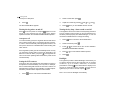
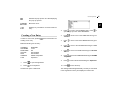
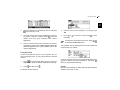
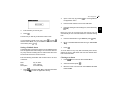
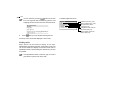
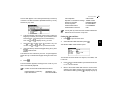
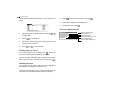
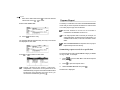
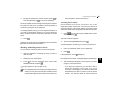
In addition, all date fields function as pop-up fields. Where a
to display the
date can be entered, the user can press
special pop-up one-month calendar. You can use
and
to
select the desired month, then the arrow keys to select the
desired date. You may find this more convenient than typing in
the date directly, since the pop-up calendar also shows the
days of the week.
11
1