1
Troubleshooting and routine maintenance
Fusing unit
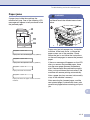
Replace fusing unit message
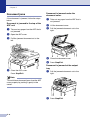
Replacing the fusing unit
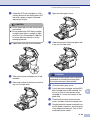
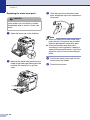
1
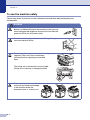
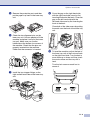
Turn off the machine’s power switch. To
avoid injury, wait until the machine has
cooled down sufficiently before you
replace the fusing unit.
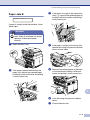
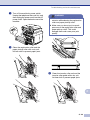
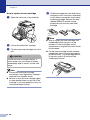
2
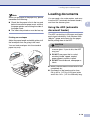
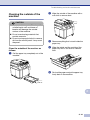
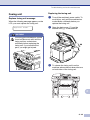
Open the back cover (1) and the
scanner unit (2) of the machine.
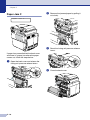
3
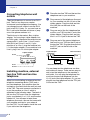
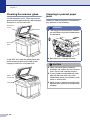
To release the fusing unit from the
machine, release the lock levers that are
on both sides of the fusing unit.
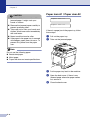
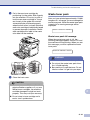
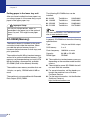
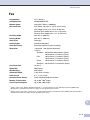
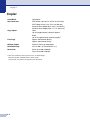
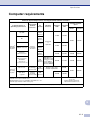
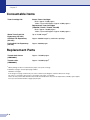
When the following message appears on the
LCD, you must replace the fusing unit.
Replace Fuser
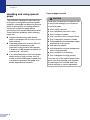
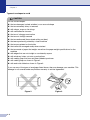
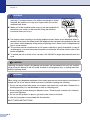
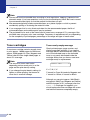
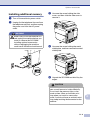
WARNING
The fusing unit and the parts around
it are hot! Be sure to wait until the
fusing unit has cooled down
sufficiently before replacing the
fusing unit. If you touch the hot
parts, you might get injured.
C
C - 35