1
Checking the Ink Status from Your Computer
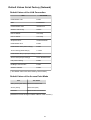
You can check the remaining ink level and the FINE cartridge types for your model.
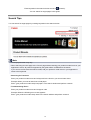
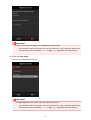
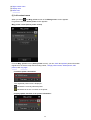
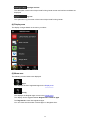
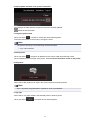
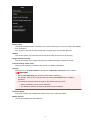
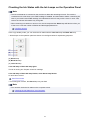
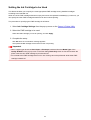
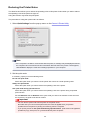
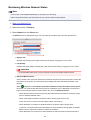
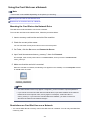
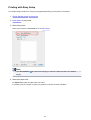
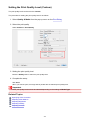
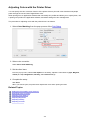
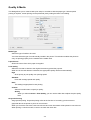
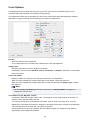
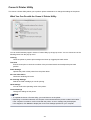
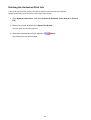
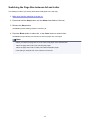
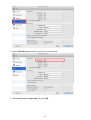
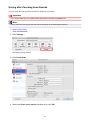
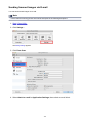
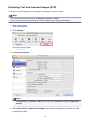
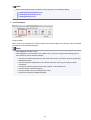
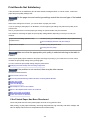
1. Select Ink Level Information from the pop-up menu on the Canon IJ Printer Utility
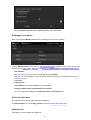
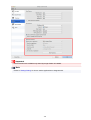
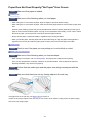
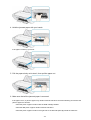
An illustration of the ink types and their status is displayed.
If a warning or error related to the remaining ink level occurs, the printer driver displays an icon to let you
know.
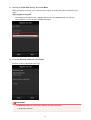
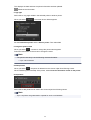
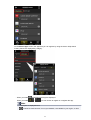
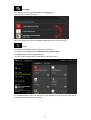
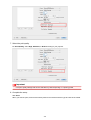
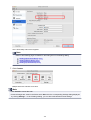
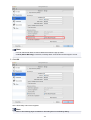
2. If necessary, click Ink Details
You can check the ink-related information.
Note
• Ink Details is displayed when the ink level is low.
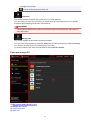
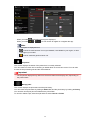
• Click
to check which FINE cartridge your model uses.
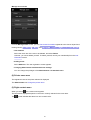
• Click Update to display the current remaining ink level.
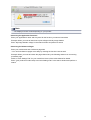
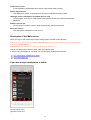
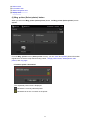
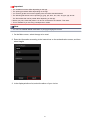
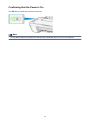
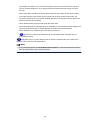
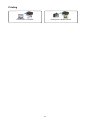
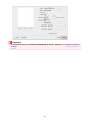
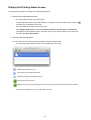
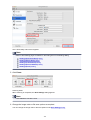
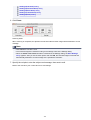
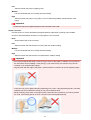
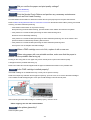
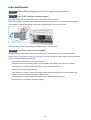
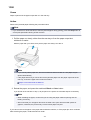
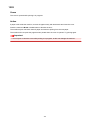
• When you receive a notice about the remaining ink level, a mark appears above the ink icon.
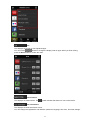
For example:
The ink is running low. Prepare a new ink cartridge.
129