1
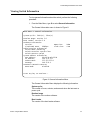
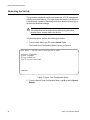
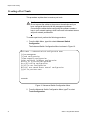
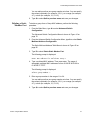
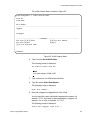
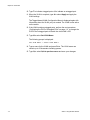
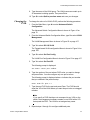
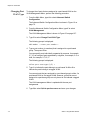
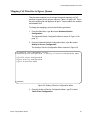
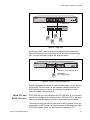
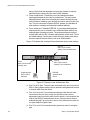
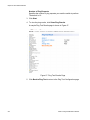
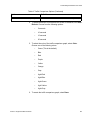
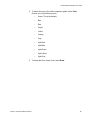
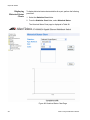
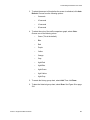
Chapter 2: Getting Started with the Menus Interface Starting a Local Management Session You establish a local management session with the switch by connecting a terminal or personal computer with a terminal emulation program to the the RS-232 console port on the front panel of the switch. Note You do not need to assign an IP address to the switch to manage the unit from a local management session. To start a local management session, perform the following procedure: 1. Connect one end of the management cable included with the switch to the console port on the switch, as shown in Figure 1. CO NS 23 OL E 24 Figure 1. Connecting the Management Cable to the Console Port 2. Connect the other end of the cable to the RS-232 port on a terminal or PC with a terminal emulator program. 3. Configure the terminal or terminal emulator program as follows: Baud per second: 9600 Data bits: 8 Stop bits: 1 Flow control: None Note These settings are for a DEC VT100 or ANSI terminal, or an equivalent terminal emulation program. They cannot be changed. 28 Section I: Using the Menus Interface