1
Basic Operations
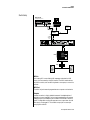
Front Panel
Basic Operations
Control
Button
A-D
E-H
I-L
Volume
Control
FILTER
FIL
TER CUTOFF
LAYER
LA
YER 1
DYNAMIC 1
FILTER
FIL
TER RES
LAYER
LA
YER 2
DYNAMIC 2
ATT
TTACK
ACK
PERC AMOUNT
FX A
RELEASE
PERC DECAY
DECAY
FX B
MASTER
CO 1
Vo l 1 27 Pan0 1 R
022 3 o r g : P e r c o l a t o r
VOLUME
A/E/I
B/F/J
Edit
Menu
Master
Menu
C/G/K
B3
Cursor
Controls
Power
Switch
EDIT
DEMOS
POWER
D/H/L
AUDITION
MULTI
MUL
TI
SAVE/COPY
SA
VE/COPY
HOME/ENTER
MIDI
Display
Headphone
Jack
Front Panel
Realtime
Control Knobs
Audition
Button
Multisetup
Button
Save/
Copy
Home/
Enter
Data
Entry
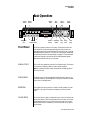
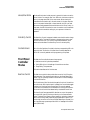
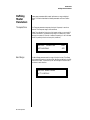
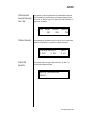
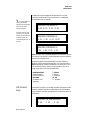
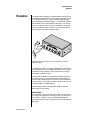
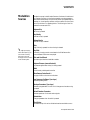
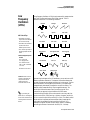
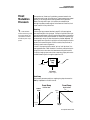
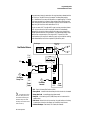
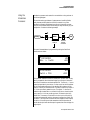
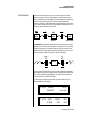
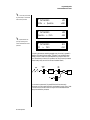
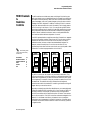
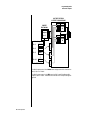
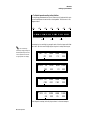
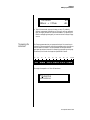
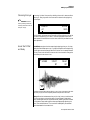
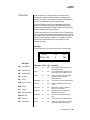
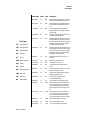
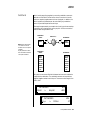
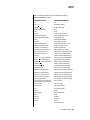
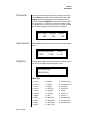
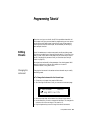
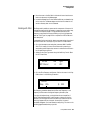
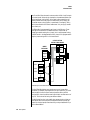
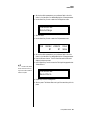
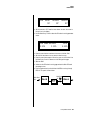
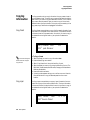
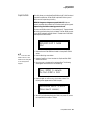
The B-3 front panel contains an LCD screen, nine buttons and four realtime controllers. Functions are grouped logically and the controls are
arranged for ease of use. Precisely because B-3 is so simple to use, you might
be tempted to skip this section. If you just can’t help yourself, at least read
the Real-time Controller information beginning page 23. There are several
“power user” features in the interface which make programming even
easier and we wouldn’t want you to miss them.
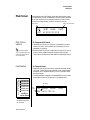
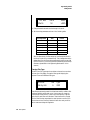
Volume Control
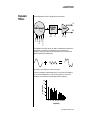
This control is the master volume control for all audio outputs. The Volume
Control does not affect any editing or user interface operations.
Note: For maximum dynamic range and smoothest crossfading, set this
control to full level.
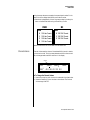
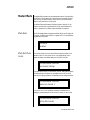
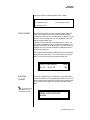
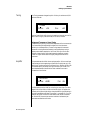
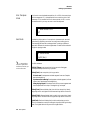
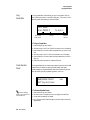
Master Button
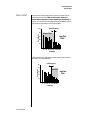
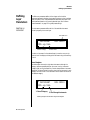
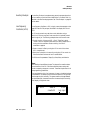
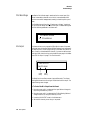
The Master menu contains parameters that affect the entire machine, not
just certain presets. An illuminated LED to the right of the button indicates
that you are in the Master menu.
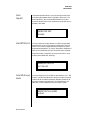
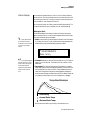
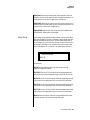
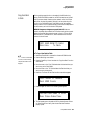
Edit Button
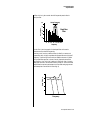
Use the Edit menu when you want to create or modify a preset. An illuminated LED to the right of the button indicates that you are in the Edit
menu.
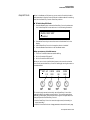
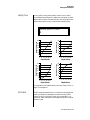
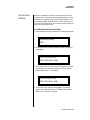
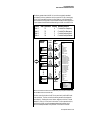
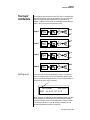
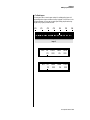
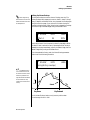
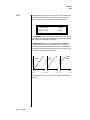
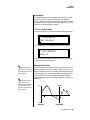
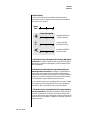
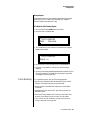
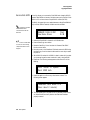
Control Button
The Control button is used to change the function of the Controller knobs
(see the next section). Each time you press the Control button, the Control
Mode toggles to select only one of the three Control Rows. The currently
selected Control Row is indicated by one of the three LEDs to the right of
the row’s label.
B-3 Operation Manual 21