1
Switch Memory and Configuration
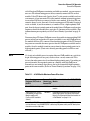
Using the Menu and Web Browser Interfaces To Implement Configuration Changes
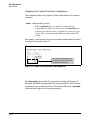
Rebooting from the Menu Interface
■
Terminates the current session and performs a reset of the operating
system
■
Activates any configuration changes that require a reboot
■
Resets statistical counters to zero
(Note that statistical counters can be reset to zero without rebooting the
switch. See “To Display the Port Counter Summary Report” on page 11.)
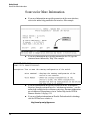
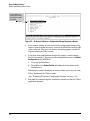
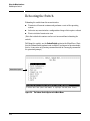
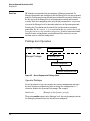
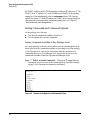
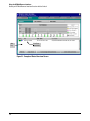
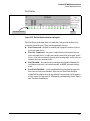
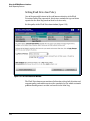
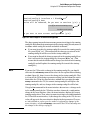
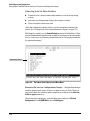
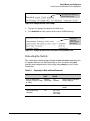
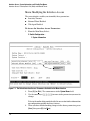
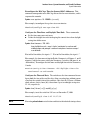
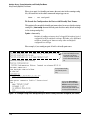
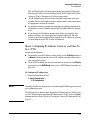
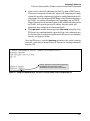
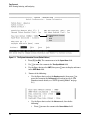
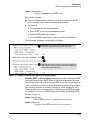
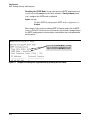
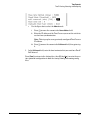
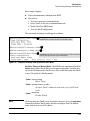
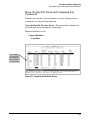
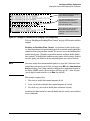
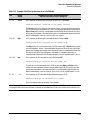
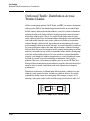
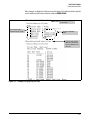
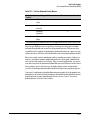
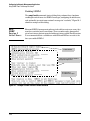
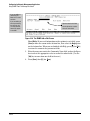
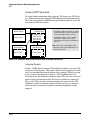
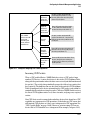
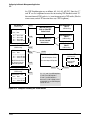
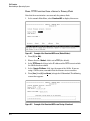
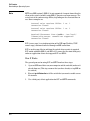
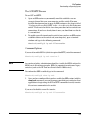
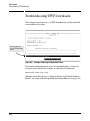
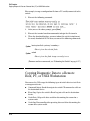
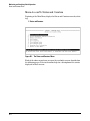
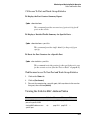
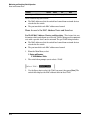
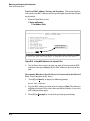
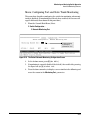
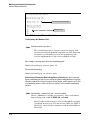
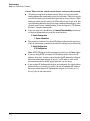
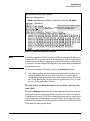
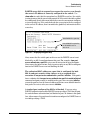
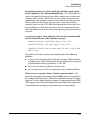
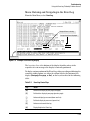
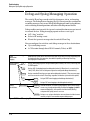
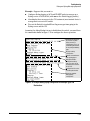
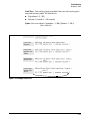
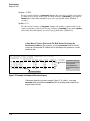
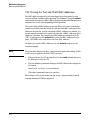
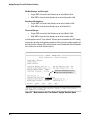
To Reboot the switch, use the Reboot Switch option in the Main Menu. (Note
that the Reboot Switch option is not available if you log on in Operator mode;
that is, if you enter an Operator password instead of a manager password at
the password prompt.)
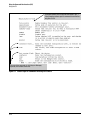
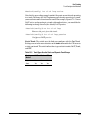
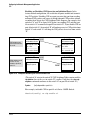
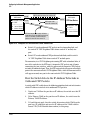
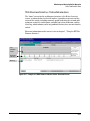
Reboot Switch option
Figure 6-4. The Reboot Switch Option in the Main Menu
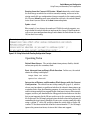
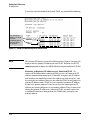
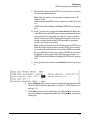
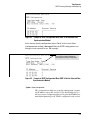
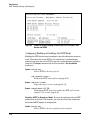
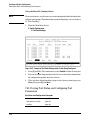
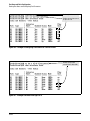
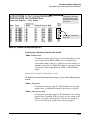
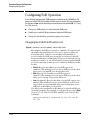
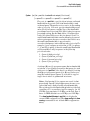
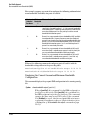
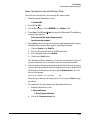
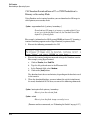
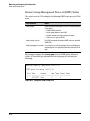
Rebooting To Activate Configuration Changes. Configuration changes
for most parameters become effective as soon as you save them. However,
you must reboot the switch in order to implement a change in the Maximum
VLANs to support parameter.
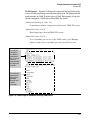
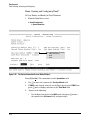
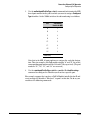
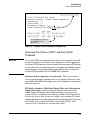
(To access these parameters, go to the Main menu and select 2. Switch
Configuration, then 8. VLAN Menu, then 1. VLAN Support.)
6-10