1
Using the HP Web Browser Interface
Status Reporting Features
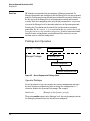
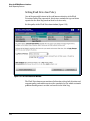
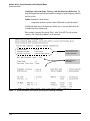
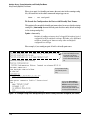
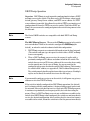
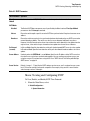
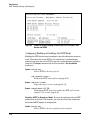
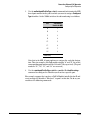
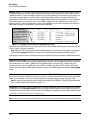
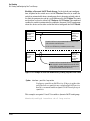
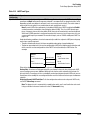
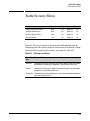
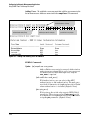
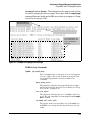
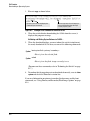
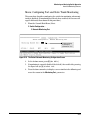
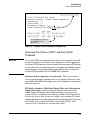
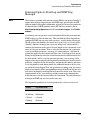
To provide the most information on network problems in the Alert Log, the
recommended sensitivity level for Log Network Problems is High Sensitivity. The
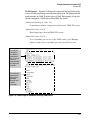
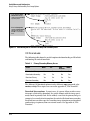
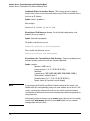
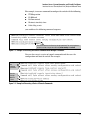
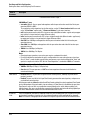
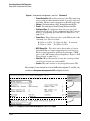
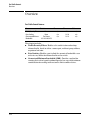
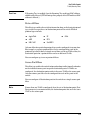
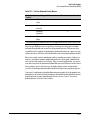
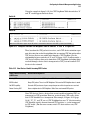
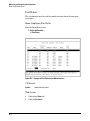
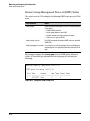
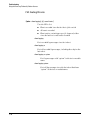
Fault Detection settings are:
■
High Sensitivity. This policy directs the switch to send all alerts to the
Alert Log. This setting is most effective on networks that have none or
few problems.
■
Medium Sensitivity. This policy directs the switch to send alerts related
to network problems to the Alert Log. If you want to be notified of
problems which cause a noticeable slowdown on the network, use this
setting.
■
Low Sensitivity. This policy directs the switch to send only the most
severe alerts to the Alert Log. This policy is most effective on a network
where there are normally a lot of problems and you want to be informed
of only the most severe ones.
■
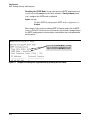
Never. Disables the Alert Log and transmission of alerts (traps) to the
management server (in cases where a network management tool such as
HP ProCurve Manager is in use). Use this option when you don’t want to
use the Alert Log.
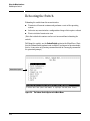
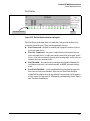
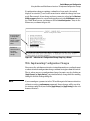
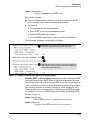
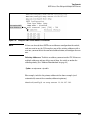
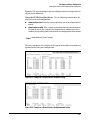
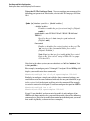
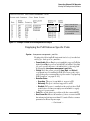
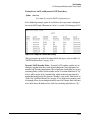
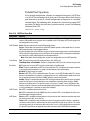
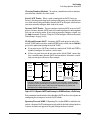
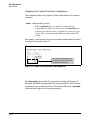
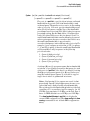
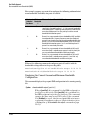
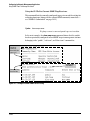
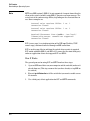
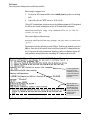
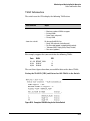
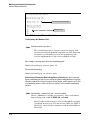
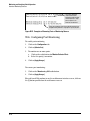
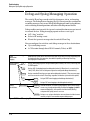
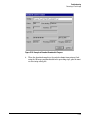
The Fault Detection Window also contains three Change Control Buttons:
■
Apply Changes. This button stores the settings you have selected for all
future sessions with the web browser interface until you decide to change
them.
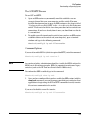
■
Clear Changes. This button removes your settings and returns the
settings for the list box to the level it was at in the last saved detectionsetting session.
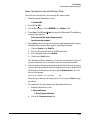
■
Reset to Default Settings. This button reverts the policy setting to
Medium Sensitivity for Log Network Problems.
5-23