1
SIEMENS se5880 Ethernet Security Router
User’s Guide
Chapter 5 Advanced Setup
QoS
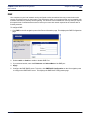
Reorder QoS Policies
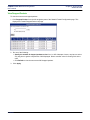
To move a QoS policy:
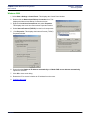
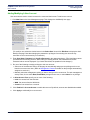
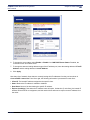
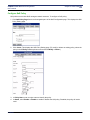
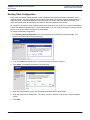
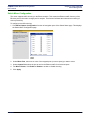
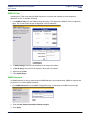
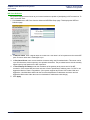
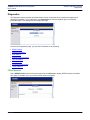
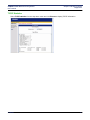
1. On the QoS Policy Setting page, select the policy you want to move in the IP Policy List drop-down menu
and click Move. This expands the QoS Policy Setting page.
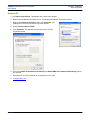
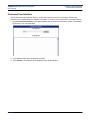
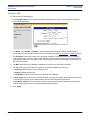
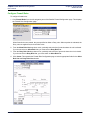
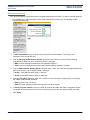
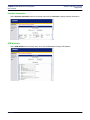
2. To specify the new location, select one of the following:
• to the end:
Moves the policy to the end of the policy list.
• before policy:
Select the name of the policy where you want to move the Policy in the policy name drop-down menu.
The policy will be moved to the location immediately preceding the policy specified in before policy.
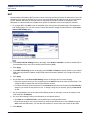
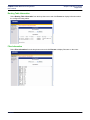
3. Click Apply.
SIEMENS
38