1
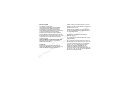
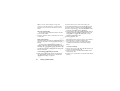
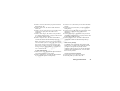
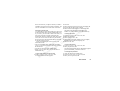
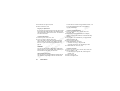
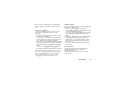
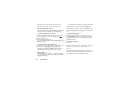
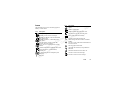
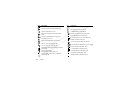
Quick keys
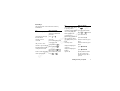
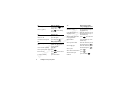
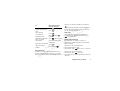
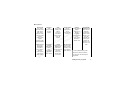
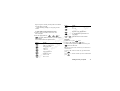
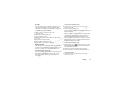
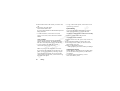
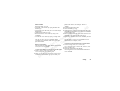
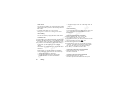
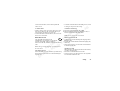
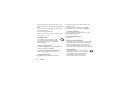
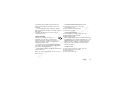
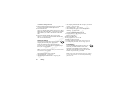
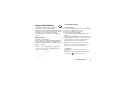
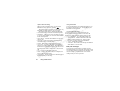
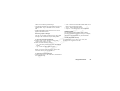
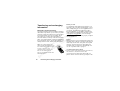
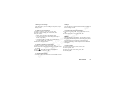
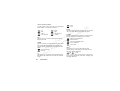
The table describes some of the most useful key
combinations.
To...
To...
When in standby:
reach a phone number
saved on the SIM card at
a specific position.
speed dial a phone number
saved on the SIM card
press the position number
and
find a contact in the
Call contact list
enter the first submenu of
the My shortcuts menu
see which profile you are
using
press and hold
see today’s date
slide the volume key up or
down
change the language to
Automatic
press
8888
change the language to
English
reject a call
press
0000
B
A
e
s ns
U
l
tio
a
i
a
rc nic
e
m mu
m
o om
C
or ile C
f
t
o
N Mob
on
s
s
c
i
Er
make an emergency call
When in standby:
enter the international
emergency number and
press YES
enter and move through
the main menus
enter the Call list
press
voice dial
press and hold YES or say
your magic word
call your Voice mail
press and hold
or
press YES
enter the + sign to make an press and hold
international phone call
set the phone to silent
press and hold
and
select Turn on silent, YES
reach a contact beginning press and hold any of the
with a specific letter
keys
-
press any of the number
keys
and YES
press and hold
slide the volume key up or
down
quickly slide the volume
key up or down twice
when receiving a call or
press NO
Getting to know your phone
7