1
Gigaset C330/330 A / CHN en/ A31008-M2307-Y101-1-7619 / BS_dir+lists.fm / 22.03.2013
Using the directory and lists
Using the directory and
lists
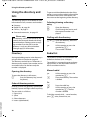
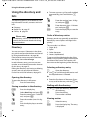
The following options are available to store
information on calls, contacts and numbers:
u Directory
u Redial list, ¢ page 20
u Call lists, ¢ page 21
u One-touch memories, ¢ page 22
Please note
The directory, call lists and shortcuts are
saved in the base and shared with all registered handsets. Editing entries or copying numbers from the call list to the
directory is only possible via handset.
Changes apply to all handsets.
To get round the alphabetical order of the
entries, insert a space or a digit in front of the
first letter of the name. These entries will
then move to the beginning of the directory.
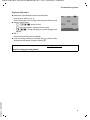
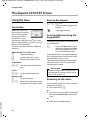
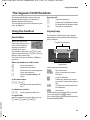
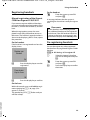
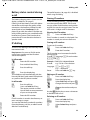
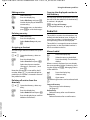
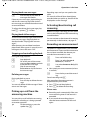
Selecting/viewing a directory
entry
s
q
Open the directory.
Scroll through the entries until
the required number is displayed.
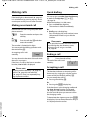
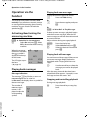
Dialling with the directory
s ¢ s Open the directory, select the
desired entry.
P
Lift the receiver or press the
speaker key ø.
The number is dialled.
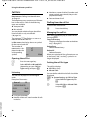
Directory
Redial list
Storing and editing entries in the directory is
only possible via handset ¢ page 36.
The directory can hold up to 150 entries. A
directory entry contains one number and an
associated name. On the base only the
number is displayed.
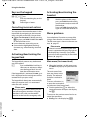
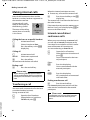
The redial list contains the 20 numbers last
dialled on the base (max. 32 digits).
The redial list is arranged in reverse chronological order, i.e. the last dialled number is
the first number in the list.
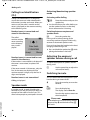
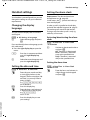
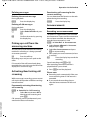
Manual redial
Opening the directory
To open the directory in idle status:
s
Press the directory key (control
key down).
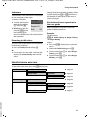
Order of directory entries
Version 4, 16.09.2005
Directory entries are generally sorted alphabetically. Spaces and digits take first priority.
The sort order is as follows:
1. Digits (0–9)
2. Space
3. Other characters
4. Letters (alphabetical)
20
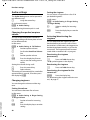
P
l
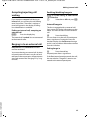
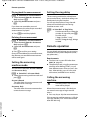
Lift the receiver or press the
speaker key ø.
Press the redial key. The number
is dialled.
Or:
l
P
Press the redial key.
Lift the receiver or press the
speaker key ø. The first
number is dialled.
To dial the second, third, ... stored number,
press l twice, three times, etc..