1
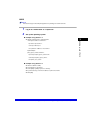
TCP/IP Settings
1
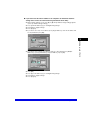
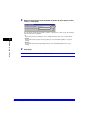
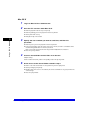
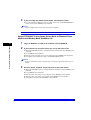
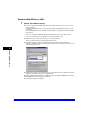
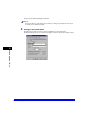
Specify the TCP/IP settings.
If you have not entered the TCP/IP settings yet, enter them now. (see "TCP/IP Settings," on p.
3-4 in Chapter 3, "Using a TCP/IP Network").
Next, specify the SMB and WINS settings.
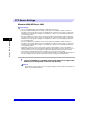
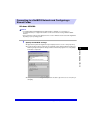
SMB and WINS Settings
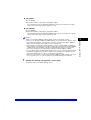
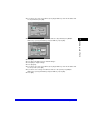
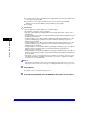
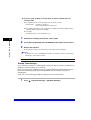
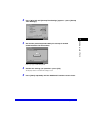
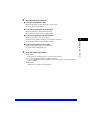
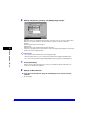
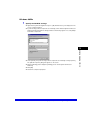
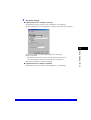
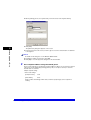
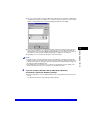
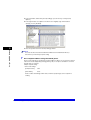
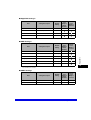
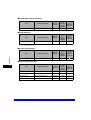
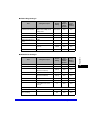
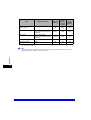
To use the machine on a NetBIOS network, specify the SMB settings.
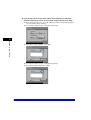
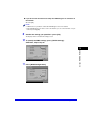
To resolve a name with WINS, specify the WINS settings that follow.
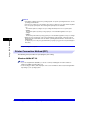
NOTE
WINS (Windows Internet Name Service) is a service for associating a NetBIOS name (which is a
computer name or printer name on a NetBIOS network) with an IP address.
To use WINS, a WINS server is required.
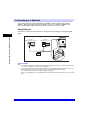
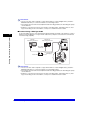
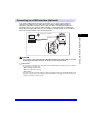
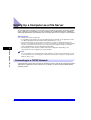
Using a NetBIOS Network
5
1
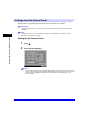
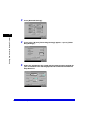
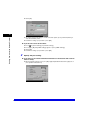
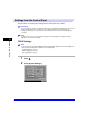
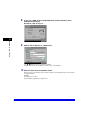
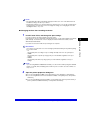
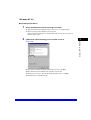
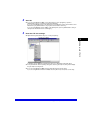
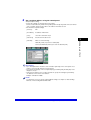
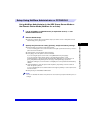
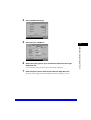
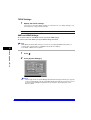
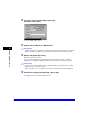
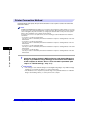
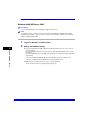
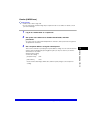
Press
2
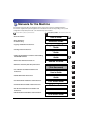
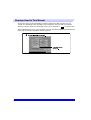
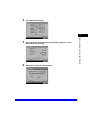
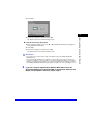
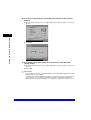
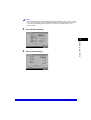
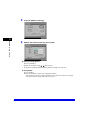
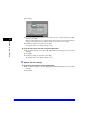
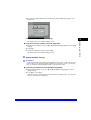
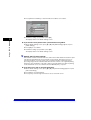
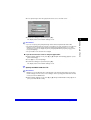
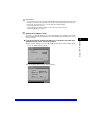
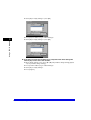
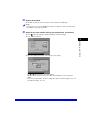
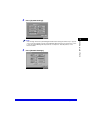
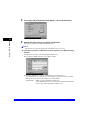
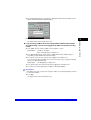
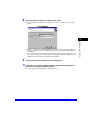
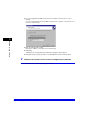
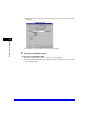
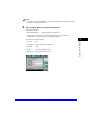
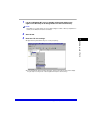
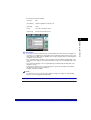
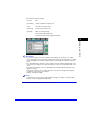
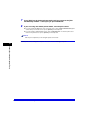
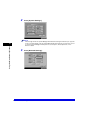
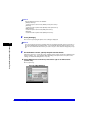
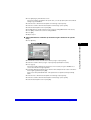
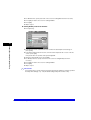
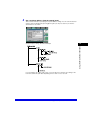
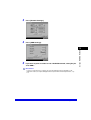
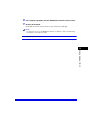
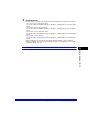
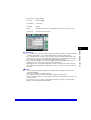
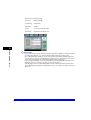
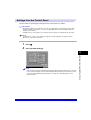
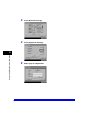
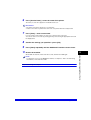
Press [System Settings].
.
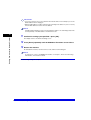
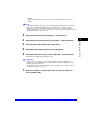
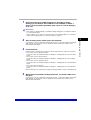
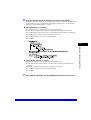
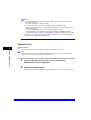
NOTE
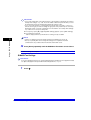
If the message <Enter the System Manager ID and Password using the numeric keys.> appears
on the touch panel display, enter the System Manager ID and password. For instructions on how
to enter the System Manager ID and password, see Chapter 2, "Basic Operations," in the
Reference Guide.
5-4
Protocol Settings



































![[Impostazioni rete].](http://vs1.manualzilla.com/store/data/006126015_1-a8b230434cd1a1b69e1ac6b45a87b86d-150x150.png)