1
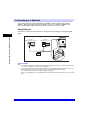
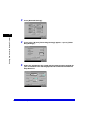
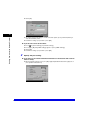
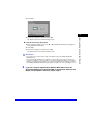
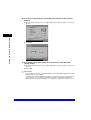
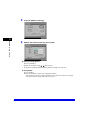
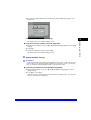
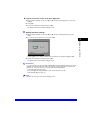
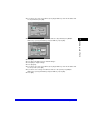
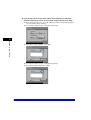
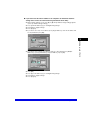
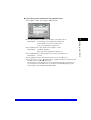
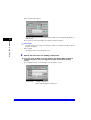
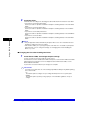
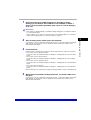
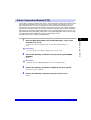
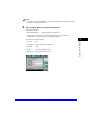
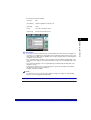
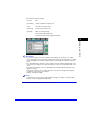
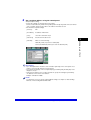
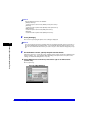
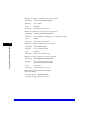
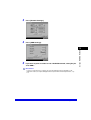
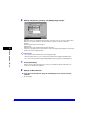
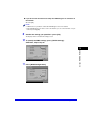
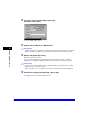
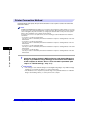
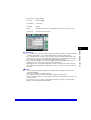
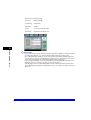
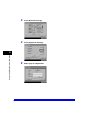
• The machine's Recipient Settings:
[Protocol]:
Windows (SMB)
[Host Name]:
\\swan\share
[File Path]:
\Images
[User]:
User name entered in step 4.
[Password]:
Password for the above user.
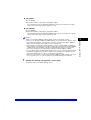
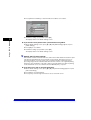
IMPORTANT
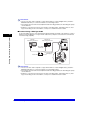
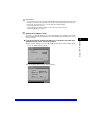
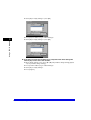
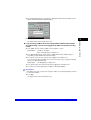
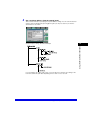
• If you use [Browse] to specify each item, press [Browse] after the expiration of the time specified
in "Startup Time Settings," on p. 3-30 (the default setting startup time is '60 seconds').
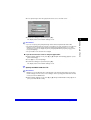
• Up to 128 alphanumeric characters can be entered for both [Host Name] and [File Path] on the
control panel. Enter each of these items on the server using no more than their allowable number
of characters.
• If you change the language of the touch panel display, [Host Name] and [File Path] may not be
displayed correctly, or you may not be able to browse the directories.
• If the language of the touch panel display differs from the computer used as a master browser,
[Host name] and [File path] may not be displayed correctly, or you may not be able to browse the
directories.
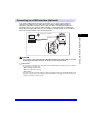
• If you send data in the Windows 2000/XP/Server 2003 Active Directory environment, specify the
actual directory path when setting the recipient address. While sending, the Active Directory
cannot be browsed and the tree path cannot be specified.
Setting Up a Computer as a File Server
5-29
Using a NetBIOS Network
5





























![[Impostazioni rete].](http://vs1.manualzilla.com/store/data/006126015_1-a8b230434cd1a1b69e1ac6b45a87b86d-150x150.png)