1
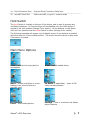
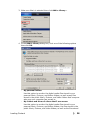
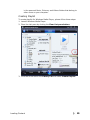
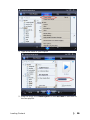
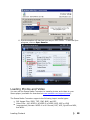
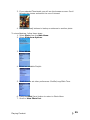
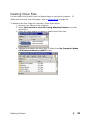
3. If you selected Thumbnails you will see the browser screen. Scroll
through the photos and select the one of interest.
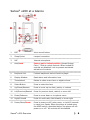
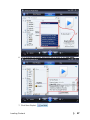
4. Use |<< or >>| buttons to backup or advance to another photo.
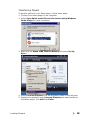
To view slideshow, follow these steps:
1. Select Photo from the Main Menu.
2. Select Slideshow Options.
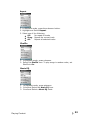
3. Select Music.
4. Select an available Playlist.
5. Scroll down to set other preferences: Shuffle/Loop/Slide Time.
6. Press the Back (|<<) button to return to Photo Menu.
7. Scroll to View Photo List.
Playing Content
25