1
x
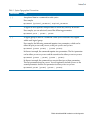
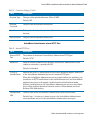
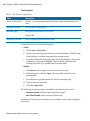
| Typographical Conventions
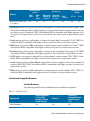
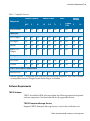
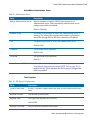
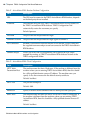
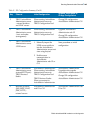
Table 1 General Typographical Conventions (Cont’d)
Convention
Use
bold code
Bold code font is used in the following ways:
font
•
In procedures, to indicate what a user types. For example: Type admin.
•
In large code samples, to indicate the parts of the sample that are of
particular interest.
•
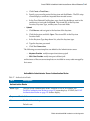
In command syntax, to indicate the default parameter for a command. For
example, if no parameter is specified, MyCommand is enabled:
MyCommand [enable | disable]
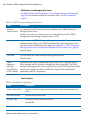
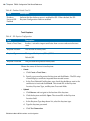
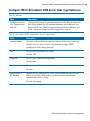
italic font
Key
combinations
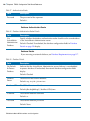
Italic font is used in the following ways:
•
To indicate a document title. For example: See TIBCO ActiveMatrix
BusinessWorks Concepts.
•
To introduce new terms For example: A portal page may contain several
portlets. Portlets are mini-applications that run in a portal.
•
To indicate a variable in a command or code syntax that you must replace.
For example: MyCommand PathName
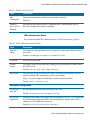
Key name separated by a plus sign indicate keys pressed simultaneously. For
example: Ctrl+C.
Key names separated by a comma and space indicate keys pressed one after the
other. For example: Esc, Ctrl+Q.
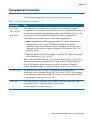
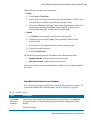
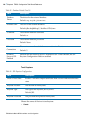
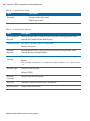
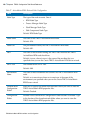
The note icon indicates information that is of special interest or importance, for
example, an additional action required only in certain circumstances.
The tip icon indicates an idea that could be useful, for example, a way to apply
the information provided in the current section to achieve a specific result.
The warning icon indicates the potential for a damaging situation, for example,
data loss or corruption if certain steps are taken or not taken.
TIBCO ActiveMatrix BPM Installation and Configuration