1
86
| Chapter 4
Installation
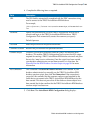
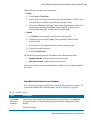
2. On machine 1: Using TIBCO Configuration Tool:
If you wish to enable secure sockets layer (SSL) for the communication
channels on the http connector used by TIBCO ActiveMatrix BPM, select
Configure to Secure All Communication with SSL option when running the
wizards in TIBCO Configuration Tool before creating the second BPM node.
The other BPM nodes then inherit the SSL configuration.
Note that the certificate that is provided in the "out-of-the-box" configuration
(which has not been signed by a Certificate Authority (CA)) cannot be used in
a high availability environment as it will not be accessible from both
machines.
However, if you do this, the "out-of-the-box" configuration provides you with
a certificate that has not been signed by a Certificate Authority (CA). Ideally,
you will install/provision your own CA signed certificate. See TIBCO
ActiveMatrix BPM Administration guide for more information.
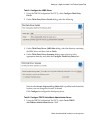
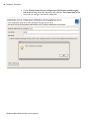
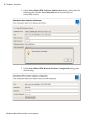
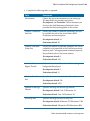
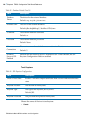
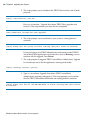
a. Run the Configure Third-Party Driver wizard to register the JDBC drivers
for your BPM database. See Configure Third-Party Driver Wizard
Reference on page 111 for details.
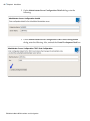
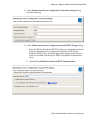
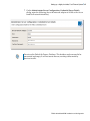
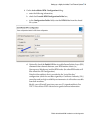
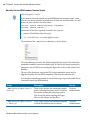
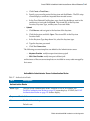
b. Run the Create TIBCO ActiveMatrix BPM Server wizard to create a
TIBCO ActiveMatrix BPM server. See Create TIBCO ActiveMatrix BPM
Server Reference on page 145 for details.
3. On machines 2 and 3: Install TIBCO ActiveMatrix BPM using the Install
Administrator & TIBCO Host profile. See Running the TIBCO Configuration
Tool on page 97 for details.
4. On machines 2 and 3: Using TIBCO Configuration Tool:
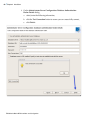
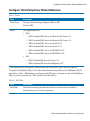
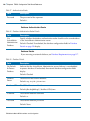
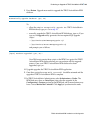
a. Run the Configure Third-Party Driver wizard to register the JDBC drivers
for your BPM database. See Configure Third-Party Driver Wizard
Reference on page 111 for details.
TIBCO ActiveMatrix BPM Installation and Configuration