1
Data Storage for Programmed Parts
Data Storage for Programmed Parts
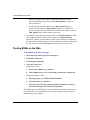
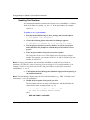
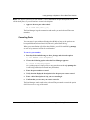
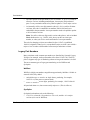
You should provide programmed part data files when they change and the change
is to be processed for a PCN. Until these files are in place, a PCN will not reflect
any checksum changes.
Note: Programmed devices report to the PCB assembly and no longer to a “program kit.”
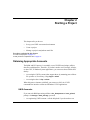
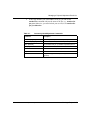
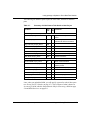
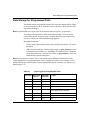
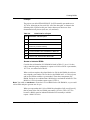
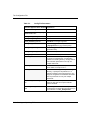
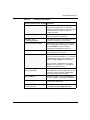
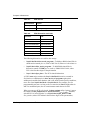
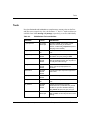
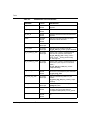
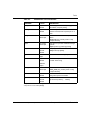
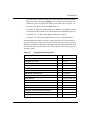
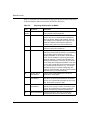
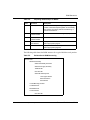
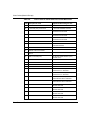
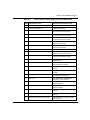
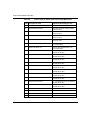
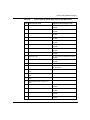
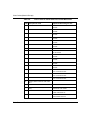
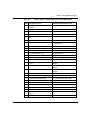
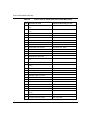
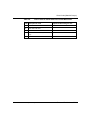
Your object code type must be listed in the following table. If it is not, please
contact EDA support. If you are unsure of which object file type is required for
your part, contact your NPI or Manufacturing engineer.
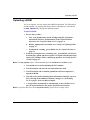
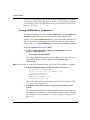
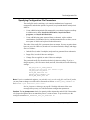
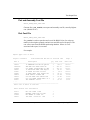
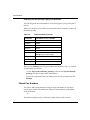
Regarding checksums:
•
Always select output formats that provide extractable checksums, if you have
the option.
•
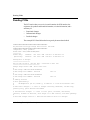
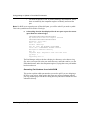
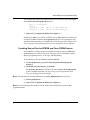
If the checksum cannot be extracted with a script, use gen_chksum to create
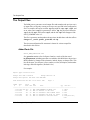
a file named checksum.fus. (e.g., 3C2A.fus). This will become the checksum
file for that submission. (You may also want to use gen_chksum to verify any
automatically extracted checksums.)
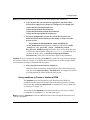
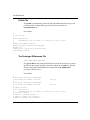
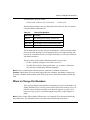
Note: Do not include a “readme” file. If you need to supply additional information to ensure
proper manufacture of a programmed part, create a separate specification, for example, a serial
number PROM spec, and structure it in the programmable part sub-assembly (see Structuring a
BOM on page 5-4).
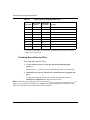
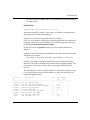
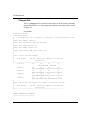
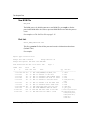
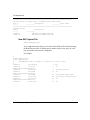
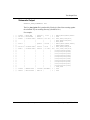
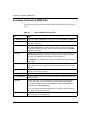
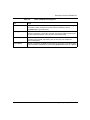
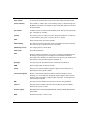
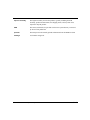
Table 4-1.
Object Types for Programmable Parts
Class Code
Object Code
Extension
Extractable
Checksum
File Type
119
.afm
Yes
Actel
119
.bin
Yes
Binary
119
.def/.fus
Yes
Actel
119
.hex
No
120
.i*
Yes
119
.img
No
119
.jam
No
Binary code
119
.jed
Yes
Abel
PCN Process User Guide (301945-A)
Resultant 16-bit file from recompiled,
byte-swapped, 32-bit .image file
Putting Data on EDA Servers: 4-3