1
Section 2 - Installation
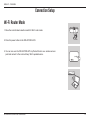
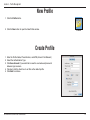
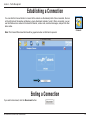
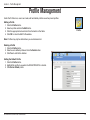
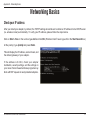
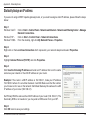
Modem Setup using D-Link Mobile Connection
The DIR-457/DIR-457U provides a convenient tool for device setup. For changing settings, just choose the D-Link
Mobile Connection Manager. The D-Link Mobile Connection Manager offers an easy and simple way, and allows for
all 3G settings to be adjusted. The following instructions will show you how to configure the 3G connection.
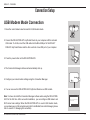
Note: These settings will only take effect when you use the DIR-457/DIR-457U as a 3G USB modem. To work as a 3G
USB Modem, you have to connect your device to the PC with a USB cable and make sure that the hardware switch
is in modem position.
D-Link DIR-457/DIR-457U User Manual
13









![MC32N0 Regulatory Guide [English] (P/N MN000216A02 Rev. B)](http://vs1.manualzilla.com/store/data/006085477_1-e8060af26a8d96f286d08f3a460ea342-150x150.png)