1
CHAPTER 11: Error and Warning Messages
Self Test FAILED. This message appears at the top of the Self Test Statistics
window on the Extenders after a self-test has been unsuccessfully performed.
Common reasons for the message:
• The loopback DB9 coax adapter is not plugged into the DB9 coax port on the
back of the Extender. This is required when fiber is used as the
communication between two Extenders for the self-test to properly operate.
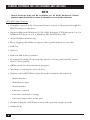
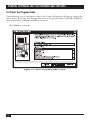
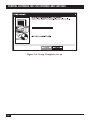
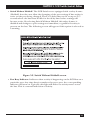
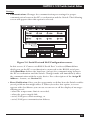
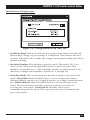
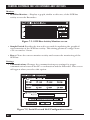
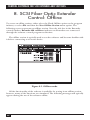
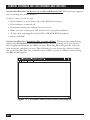
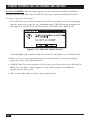
• The self-test is performed when the Link Active light is not on, indicating that
the units are not properly communicating. This message box will appear if a
self-test is initiated while the Link Active light is off:
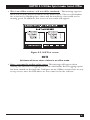
Figure 11-3. Self Test Failed screen.
Selecting “Yes’’ will continue with the self-test and will create a failed status.
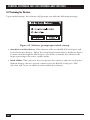
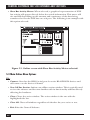
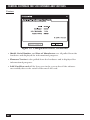
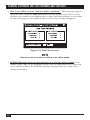
Reminder: The front-panel lock status is not stored in non-volatile memory. The
next time you cycle power, the front-panel lock status will revert to the rear-panel
DIP-switch setting. This message will appear each time the Lock Front Panel
option is selected in the software on Extenders only. It reminds you that turning
off the power on the Extender will cause the unit to revert back to the DIP switches
for active settings.
Common reason for the message: You have selected the Lock Front Panel option under
the Configuration menu item.
47