1
Chapter 2
Let’s Get Going - Hardware Setup
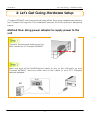
Attach the power adapter to the main electrical supply, and connect the
power plug into the socket of the Compex WP54AG.
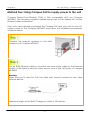
Power ON your PC. Notice that the Power and Port 1 or 2 (depending on
which port you have connected the RJ45 Ethernet cable to) LEDs have lighted
up. This indicates that the connection has been established successfully
between your Compex WP54AG and your PC.
4