1
4
Completing the First-Time Setup
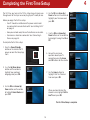
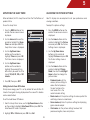
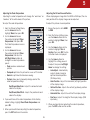
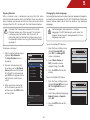
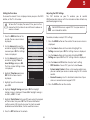
4. Use the OK and Arrow Up/
Down buttons on the remote to
highlight your time zone and
press OK.
The first time you turn on the TV, the Setup App will guide you
through each of the steps necessary to get your TV ready for use.
Before you begin the first-time setup:
• Your TV should be installed and the power cord should
be connected to an electrical outlet. See Installing the TV
on page 8.
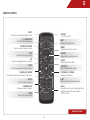
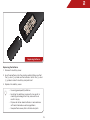
• Have your remote ready. Ensure the batteries are inserted.
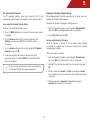
5. Use the OK and Arrow Up/
Down Buttons on the remote to
turn daylight saving time On or
Off.
• Your devices should be connected. See Connecting A
Device on page 16.
To complete the first-time setup:
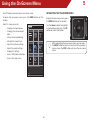
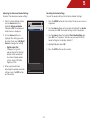
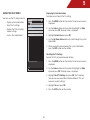
1. Press the Power/Standby
button on the remote. The TV
powers on and the Setup App
starts.
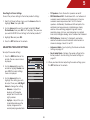
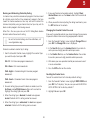
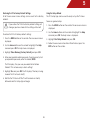
6. Answer the on-screen
questions about your TV
connection using the Arrow
and OK buttons on the remote.
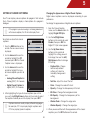
2. Use the Up/Down Arrow
buttons on the remote to
highlight your preferred
language and press OK.
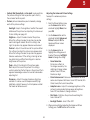
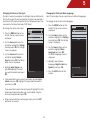
7. Use the Arrow buttons to
highlight Start the Channel
Scan and press OK.
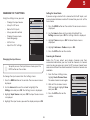
3. Use the OK and Arrow Up/
Down buttons on the remote
to highlight Home Mode and
press OK.
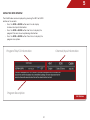
When you have finished the
channel scan, highlight Exit to
Live TV and press OK.
The First-Time Setup is complete.
19