1
Port Status and Basic Configuration
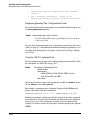
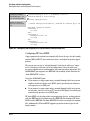
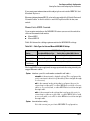
Using Friendly (Optional) Port Names
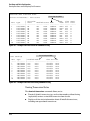
Displaying Friendly Port Names with Other Port Data
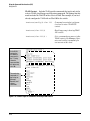
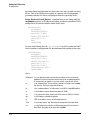
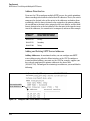
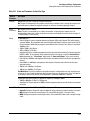
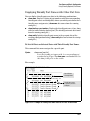
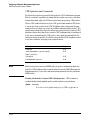
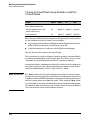
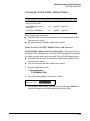
You can display friendly port name data in the following combinations:
■
show name: Displays a listing of port numbers with their corresponding
friendly port names and also quickly shows you which ports do not have
friendly name assignments. (show name data comes from the runningconfig file.)
■
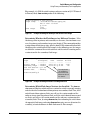
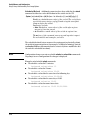
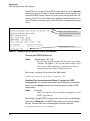
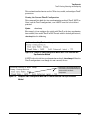
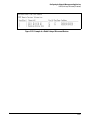
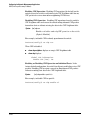
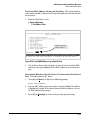
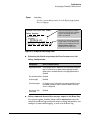
show interface <port-number>: Displays the friendly port name, if any, along
with the traffic statistics for that port. (The friendly port name data comes
from the running-config file.)
■
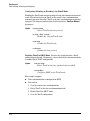
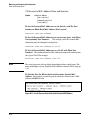
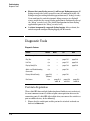
show config: Includes friendly port names in the per-port data of the
resulting configuration listing. (show config data comes from the startupconfig file.)
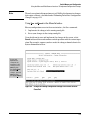
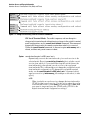
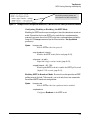
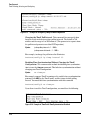
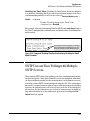
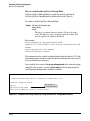
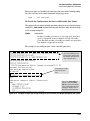
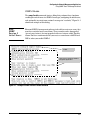
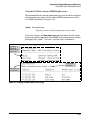
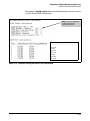
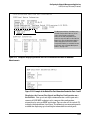
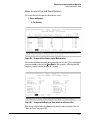
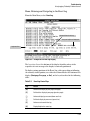
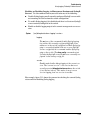
To List All Ports or Selected Ports with Their Friendly Port Names.
This command lists names assigned to a specific port.
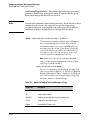
Syntax:
show name [port-list]
Lists the friendly port name with its corresponding port
number and port type. The show name command alone lists
this data for all ports on the switch.
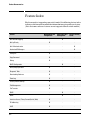
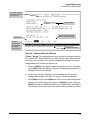
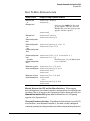
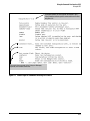
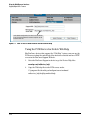
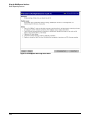
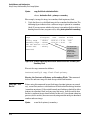
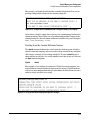
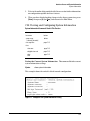
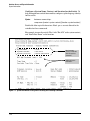
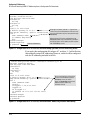
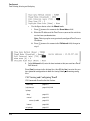
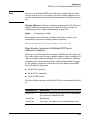
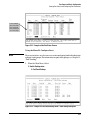
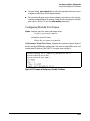
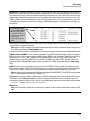
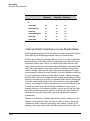
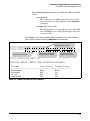
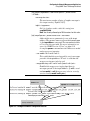
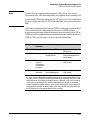
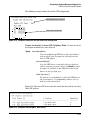
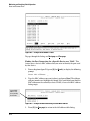
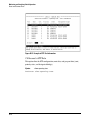
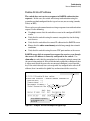
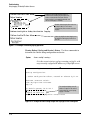
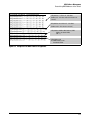
For example:
Ports Without
"Friendly" Name
Friendly port names
assigned in previous
examples.
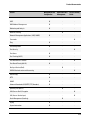
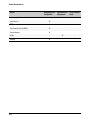
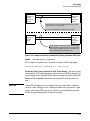
Figure 10-15. Example of Friendly Port Name Data for All Ports on the Switch
10-27