1
Using the Default-Setting Mode
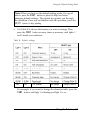
Note: When you first use the default-setting mode, it’s a good
idea to press the FONT button to print the help text before
changing default settings. The printed text guides you through
the operation. Once you are familiar with the operation, press the
LF/FF button to skip printing.
6.
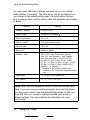
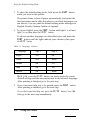
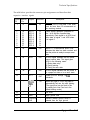
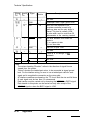
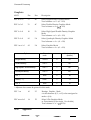
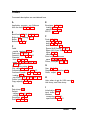
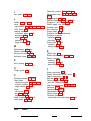
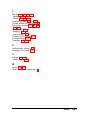
Use Table B to choose the feature you want to change. Then
press the FONT button as many times as necessary until lights 1
and 2 match your selection.
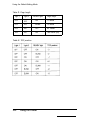
Table B: Default settings
I
OFF
I
OFF
I
I
TOF position
No change
Change (Table E)
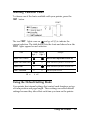
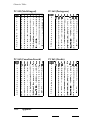
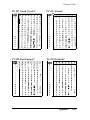
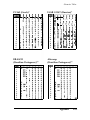
For example, if you want to change the character table, press the
FONT button until light 1 is blinking and light 2 is on.
Using the Printer
3-9


























![Hire And Sales Catalogue V4.40 [april2013].](http://vs1.manualzilla.com/store/data/005975062_1-8950e43f7cbe305f577dc550ee5fbd1b-150x150.png)