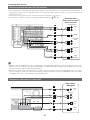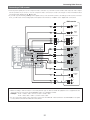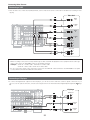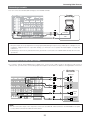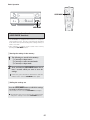
1
Advanced Operation
Other function
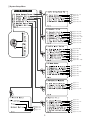
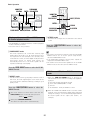
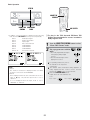
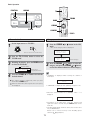
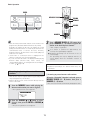
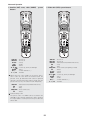
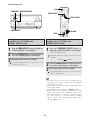
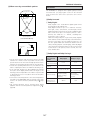
FUNCTION
ZONE3/REC SELECT
DIRECT/STEREO
INPUT MODE
SURROUND MODE
DIRECT/STEREO
ON SCREEN
SURROUND PHONES INPUT MODE
MODE
CD
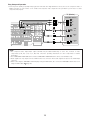
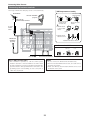
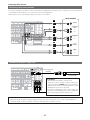
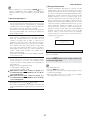
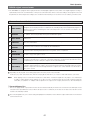
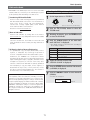
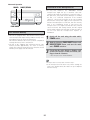
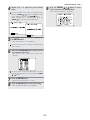
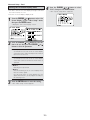
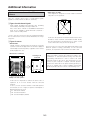
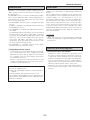
When playing DSD signals in the DIRECT or PURE DIRECT
mode, the DSD signals are converted into analog signals.
When playing in other surround modes, the DSD signals are
first converted into PCM signals. The input signal and
playing status can be checked by pressing the ON SCREEN
button on the remote control unit.
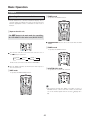
Playing Super Audio CDs with an IEEE1394
cable
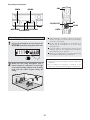
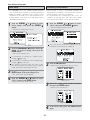
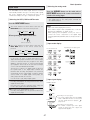
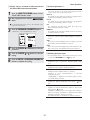
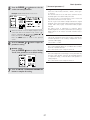
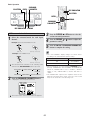
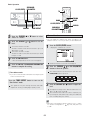
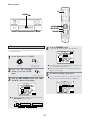
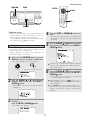
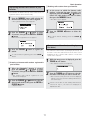
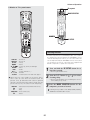
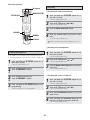
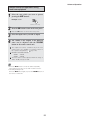
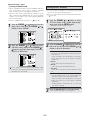
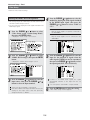
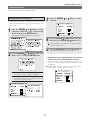
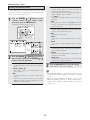
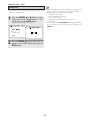
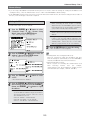
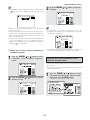
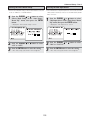
1
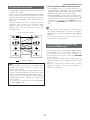
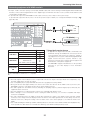
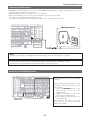
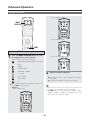
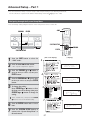
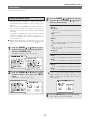
Select the input source to which IEEE1394 was
assigned at the “IEEE1394 Assign” (
page
102) in the system setup.
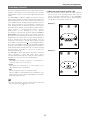
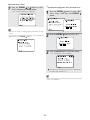
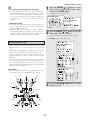
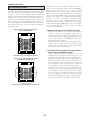
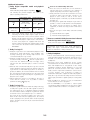
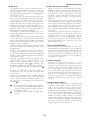
Example: When DSD multi-channel signals are played in
the DIRECT mode
Example: CD
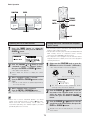
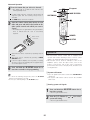
(Main unit)
(Remote control unit)
• The IEEE1394 indicator lights.
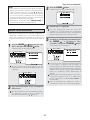
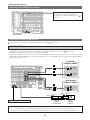
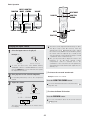
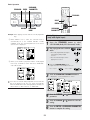
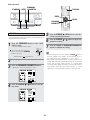
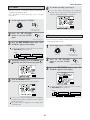
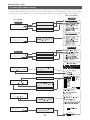
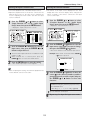
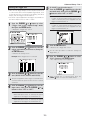
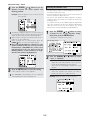
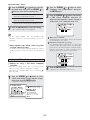
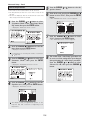
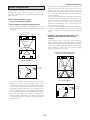
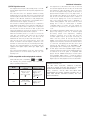
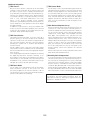
Example: When DSD multi-channel signals are played in
the 7CH STEREO mode
Lights
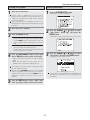
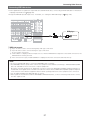
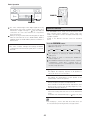
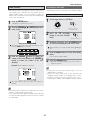
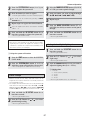
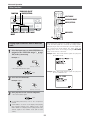
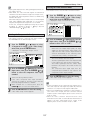
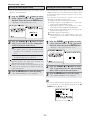
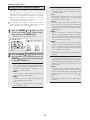
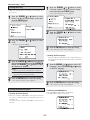
2
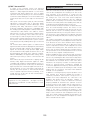
Select the surround mode.
Example: DIRECT
(Main unit)
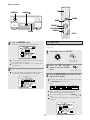
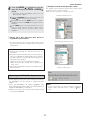
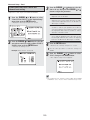
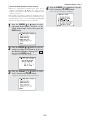
3
(Remote control unit)
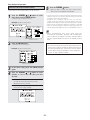
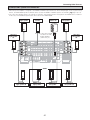
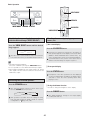
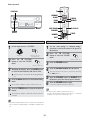
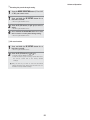
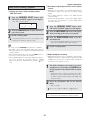
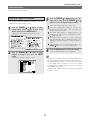
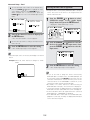
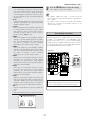
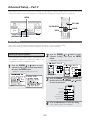
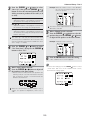
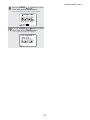
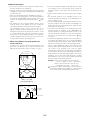
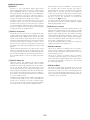
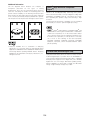
Start playback on the selected component.
• The DSD indicator lights.
Lights
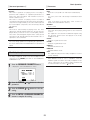
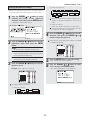
For operating instructions, refer to the component’s
manual.
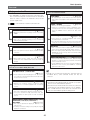
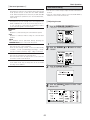
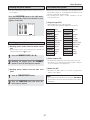
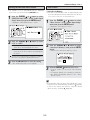
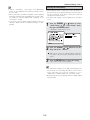
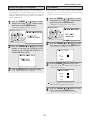
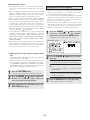
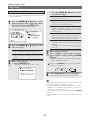
“DSD DIRECT” is shown on the display when playing
DSD 2-channel signals in the DIRECT mode. “DSD
MULTI DIRECT” is displayed when playing DSD multichannel signals in the DIRECT mode (SB CH OUT
“OFF”).
94