1
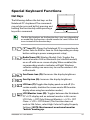
Special Keyboard Functions..........................................................................43
Hot Keys.............................................................................................................43
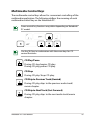
Multimedia Control Keys .............................................................................45
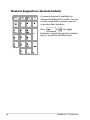
Numeric keypad (on selected models)....................................................46
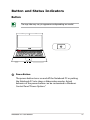
Button and Status Indicators........................................................................47
Button .............................................................................................................47
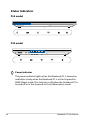
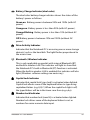
Status Indicators..............................................................................................48
Chapter 4:
Using the Notebook PC
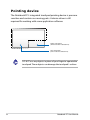
Pointing device..................................................................................................52
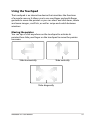
Using the Touchpad........................................................................................53
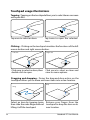
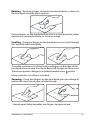
Touchpad usage illustrations......................................................................54
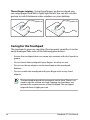
Caring for the Touchpad...............................................................................56
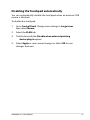
Disabling the Touchpad automatically....................................................57
Storage Devices.................................................................................................58
Optical Drive (on selected models)...........................................................58
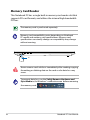
Memory Card Reader.....................................................................................62
Network Connections......................................................................................63
Wired Network Connections.......................................................................63
Wireless Network Connections .................................................................65
Bluetooth Wireless Connection (on selected models).......................69
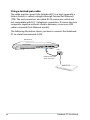
USB Charger+.....................................................................................................71
Instant On............................................................................................................71
Appendix
Optional Accessories......................................................................................A-2
Optional Connections..................................................................................A-2
Operating System and Software................................................................A-3
Troubleshooting ...........................................................................................A-4
Recovery options for your Notebook PC................................................A-8
Using Recovery Partition............................................................................A-8
Using DVD Recovery (on selected models)..........................................A-9
DVD-ROM Drive Information (on selected models)......................... A-11
Blu-ray ROM Drive Information (on selected models).................... A-13
Internal Modem Compliancy................................................................... A-14
Notebook PC User Manual