1
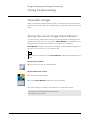
System Overview / Operating Elements
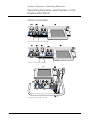
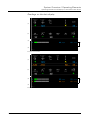
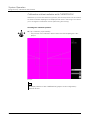
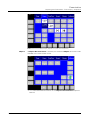
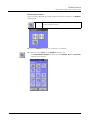
Operating Elements and Displays in the Examination Room
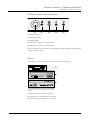
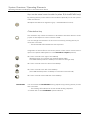
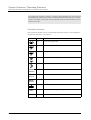
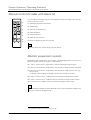
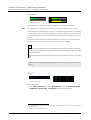
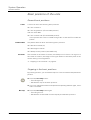
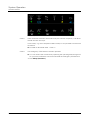
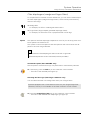
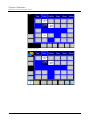
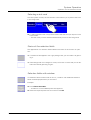
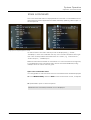
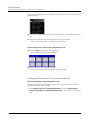
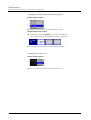
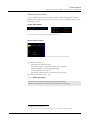
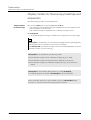
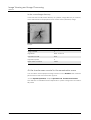
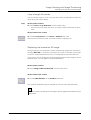
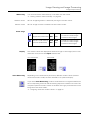
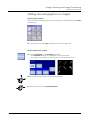
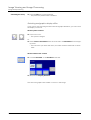
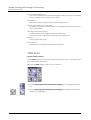
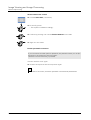
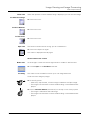
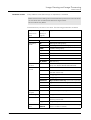
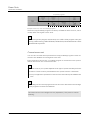
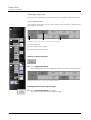
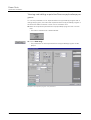
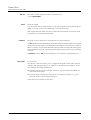
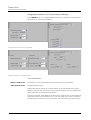
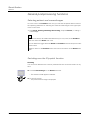
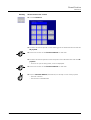
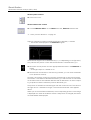
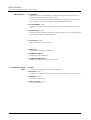
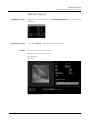
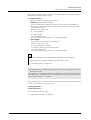
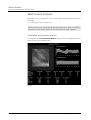
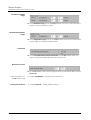
Values
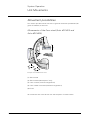
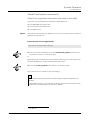
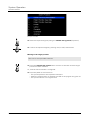
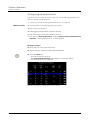
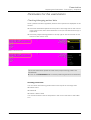
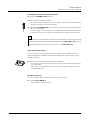
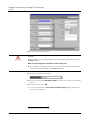
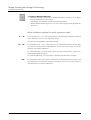
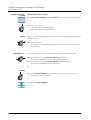
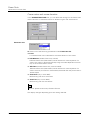
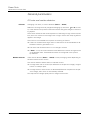
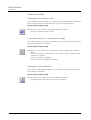
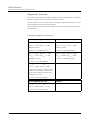
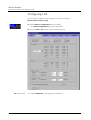
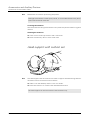
The following displays can be configured by Siemens Service:
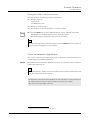
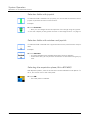
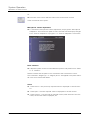
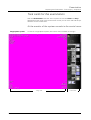
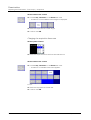
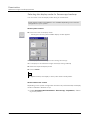
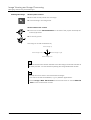
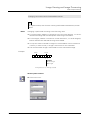
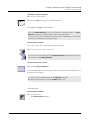
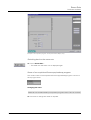
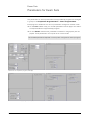
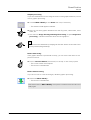
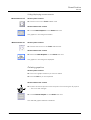
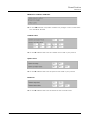
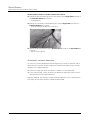
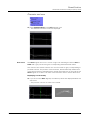
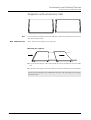
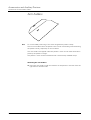
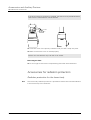
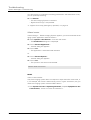
No movement
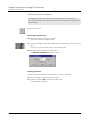
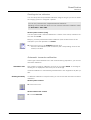
The currently set numeric values of the system position are displayed below the
symbols if required.
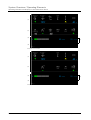
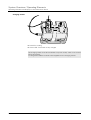
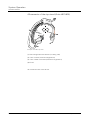
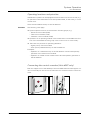
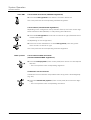
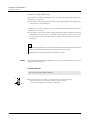
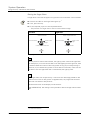
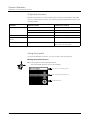
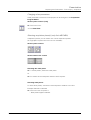
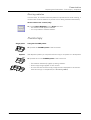
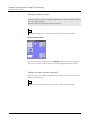
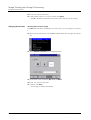
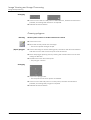
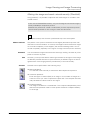
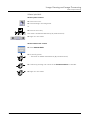
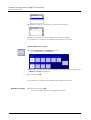
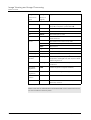
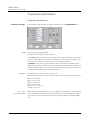
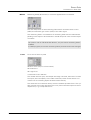
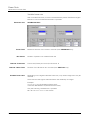
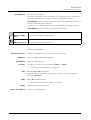
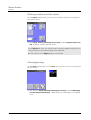
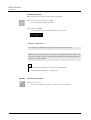
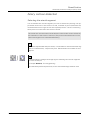
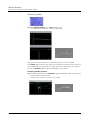
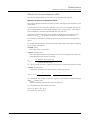
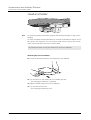
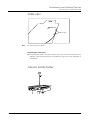
Movement
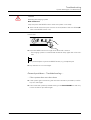
If movement is in progress, only the values that are changing are displayed to facilitate operation.
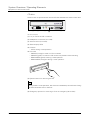
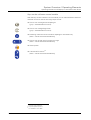
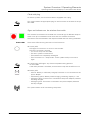
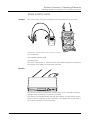
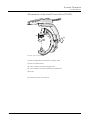
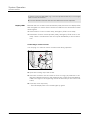
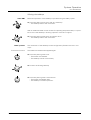
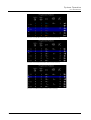
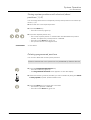
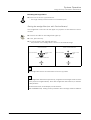
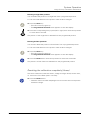
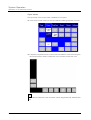
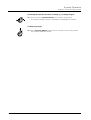
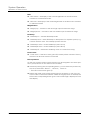
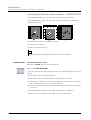
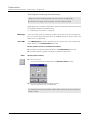
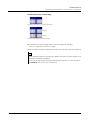
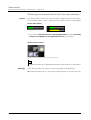
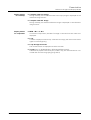
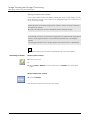
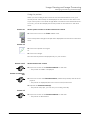
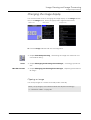
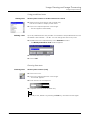
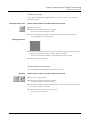
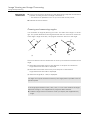
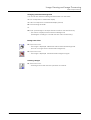
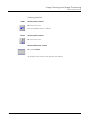
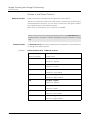
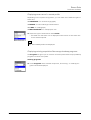
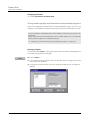
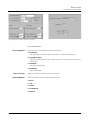
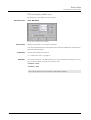
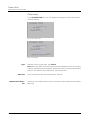
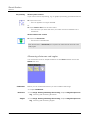
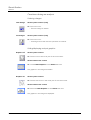
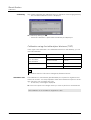
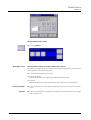
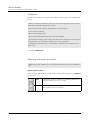
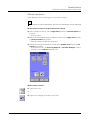
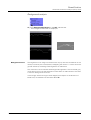
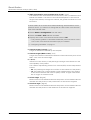
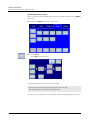
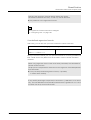
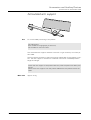
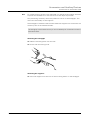
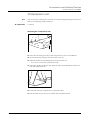
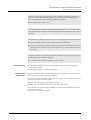
Collision
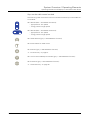
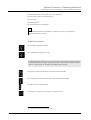
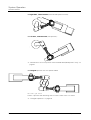
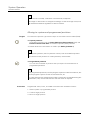
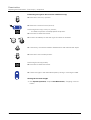
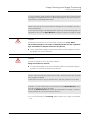
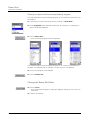
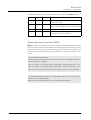
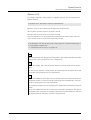
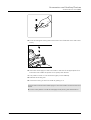
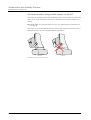
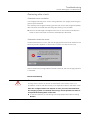
If a collision has occurred, a "navigation aid" is displayed instead of the current value:
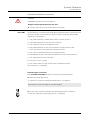
o A movement in the + direction will eliminate the collision.
o A movement in the - direction will eliminate the collision.
o An x indicates that movement is not possible.
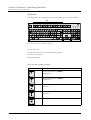
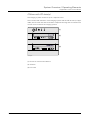
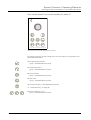
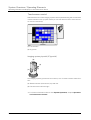
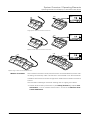
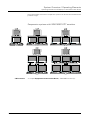
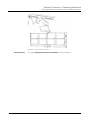
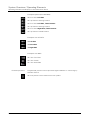
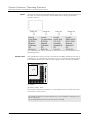
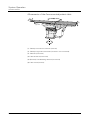
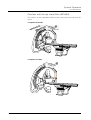
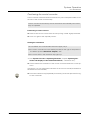
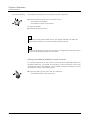
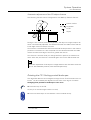
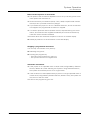
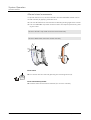
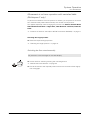
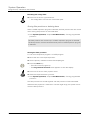
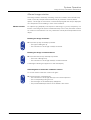
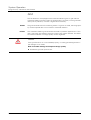
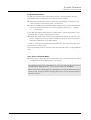
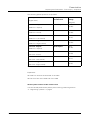
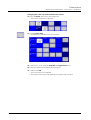
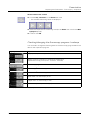
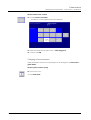
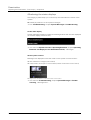
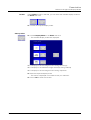
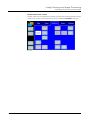
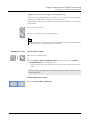
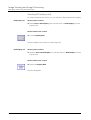
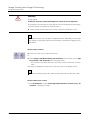
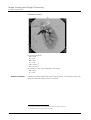
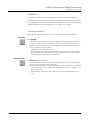
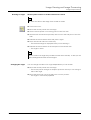
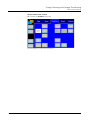
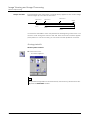
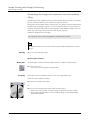
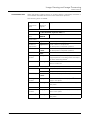
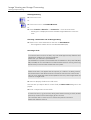
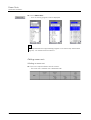
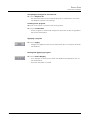
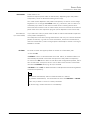
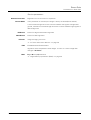
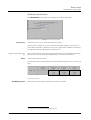
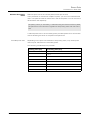
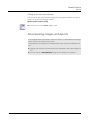
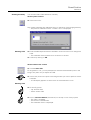
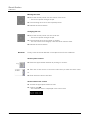
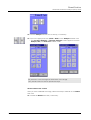
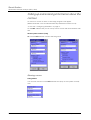
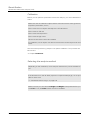
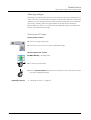
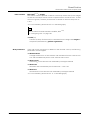
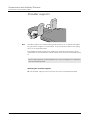
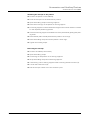
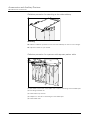
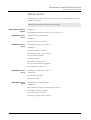
Programmed positions
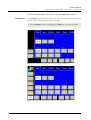
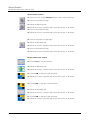
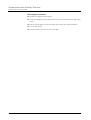
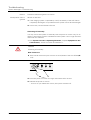
If programmed positions are selected, additional symbols are displayed that
symbolize the stored positions.
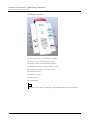
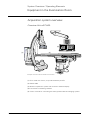
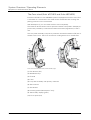
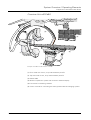
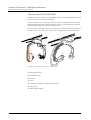
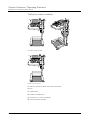
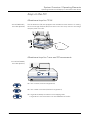
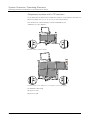
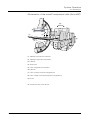
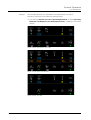
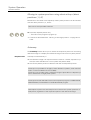
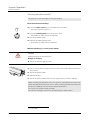
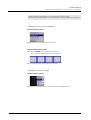
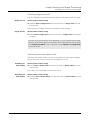
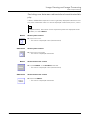
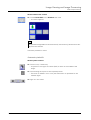
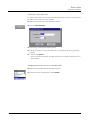
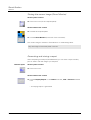
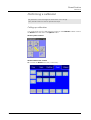
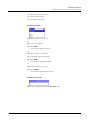
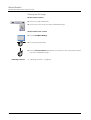
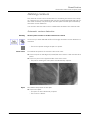
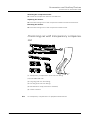
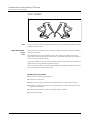
Examples single plane (Artis dFC/dFA):
o Left Side
o Left Side, Table Rotated
o Patient Transfer
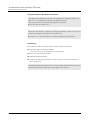
o Head Side
o Right Side, Table Rotated
o Right Side
AXIOM Artis
AXA4-100.620.08.01.02
59 / 68