1
RHN Proxy Server Installation via Satellite Website
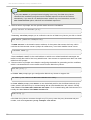
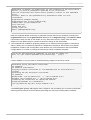
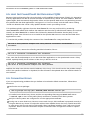
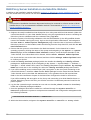
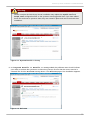
Figure A.7. Configure Monitoring
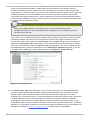
15. In the Configure Monitoring page, provide or confirm the hostname and IP address of the
parent server connected to by the RHN Proxy Server. T his must be either an RHN Satellite Server
or another Proxy which is in turn connected to a Satellite. You cannot achieve Monitoring through
the central RHN Servers. When finished, click continue. T he Install Progress page
appears.
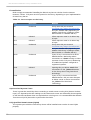
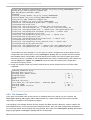
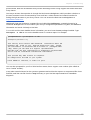
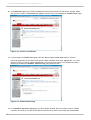
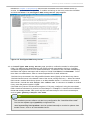
Figure A.8. Install Progress
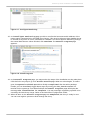
16. In the Install Progress page, you may monitor the steps of the installation as they take place.
Click the link to any step to go to its Action Details page. When an action begins, its status
goes from Queued to Picked Up and then finally to Com pleted. Like the earlier package
installs, you can immediately trigger these steps by running the rhn_check command in a
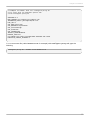
terminal on the system as root. When finished, the Install Progress page will display the
message T he installation is com plete. You may now begin registering systems to be
served by the RHN Proxy Server. Refer to the RHN Client Configuration Guide.
17. When all items on the Install Progress page are Com pleted, the Proxy is ready for use.
You can now register systems to RHN through the Proxy.
33