1
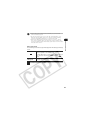
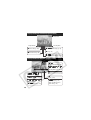
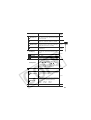
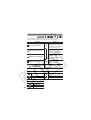
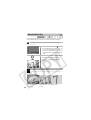
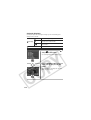
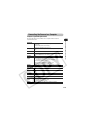
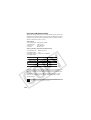
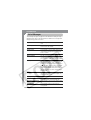
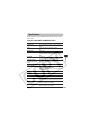
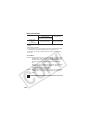
Problem
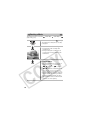
White dots appear
on the image
Troubleshooting
Cause
Solution
Light from the flash • This is a phenomenon that occurs
with digital cameras and does not
has reflected off
constitute a malfunction.
dust particles or
insects in the air.
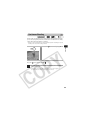
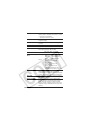
Flash does not fire Flash is set to off
• Set the flash to on.
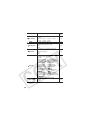
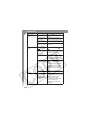
Image not showing Incorrect video
• Set the video system to the
on TV monitor
system setting
appropriate setting, NTSC or PAL,
for your TV (p. 52).
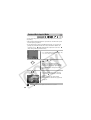
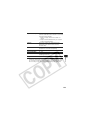
Shooting in Stitch
• The output will not appear on a
Assist mode
TV in Stitch Assist mode. Cancel
the Stitch Assist mode.
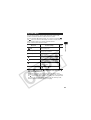
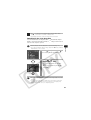
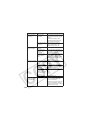
Reading images
SD card was
• Use an SD card formatted in your
from SD card is
formatted in another camera.
slow
device
See Formatting SD Cards (p.
24).
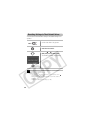
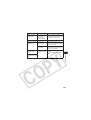
Recording images to
SD card takes a long
time
139