1
42
IPP Printing
AXIS 5470e/570/670e User’s Guide
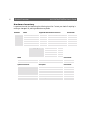
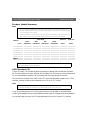
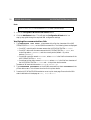
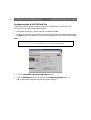
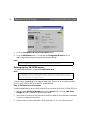
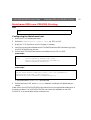
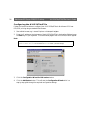
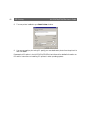
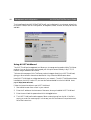
8. The new printer is added to your Select Printer window:
9. You are now ready to print using IPP: specify your new destination printer from the printer list
and click Print.
Please see the IPP section in the AXIS 5470e/570/670e User’s Manual for detailed information on
IPP and for instructions on installing IPP-printers in other operating systems.