1
g
3
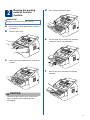
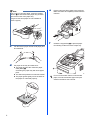
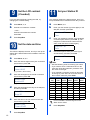
Gently shake it from side to side several times
to distribute the toner evenly inside the
assembly.
a
h
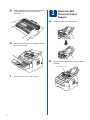
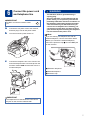
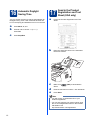
Attach the ADF
Document Output
Support
Unfold the ADF Document Support.
Put the drum unit and toner cartridge assembly
back in the machine.
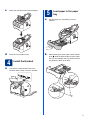
b
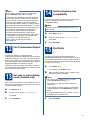
Open the control panel cover by lifting it toward
the back.
Control Panel Cover
i
4
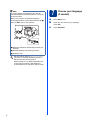
Close the front cover of the machine.