1
S55 am, A31008-H5700-A40-1-7619 (14. July 2003, 16:49)
Setup
98
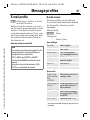
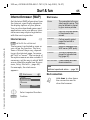
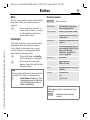
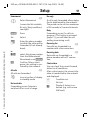
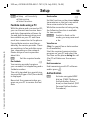
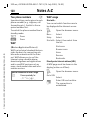
Data services
§Menu§KSetup KConnectivity
KData services
KSelect function.
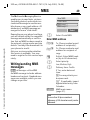
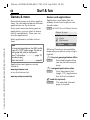
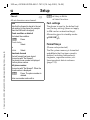
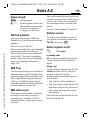
GPRS settings
If it has not been pre-installed, enter
the data or enter the required settings (your service provider will supply you with information on this):
§Options
Open menu.
§Edit§
Select.
For the MMS, Wap and Mail,Java,Rms
applications, at least one connection
profile must be set up and activated.
© Siemens AG 2002, I:\Mobil\L55\S55_Marlin\am\S55\fug\S56L_Setup.fm
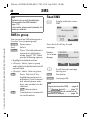
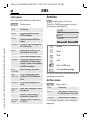
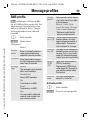
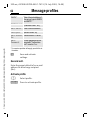
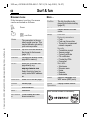
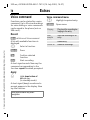
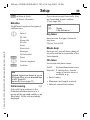
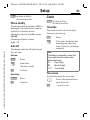
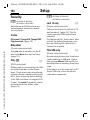
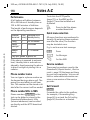
CSD settings
(Circuit Switched Data)
§Options
Open menu.
§Edit§
Select.
Dial-up
number
Enter ISP number.
Call type:
Select ISDN or analogue.
Login name:
Enter login name.
Password:
Enter password (shown
as a series of asterisks).
DNS1 / DNS 2: (optional).
§Save§
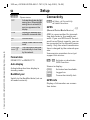
Save settings
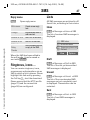
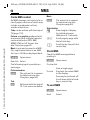
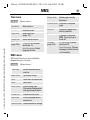
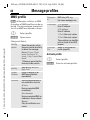
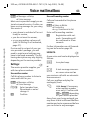
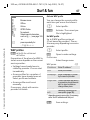
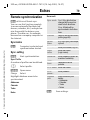
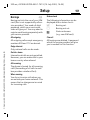
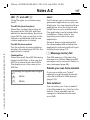
(General Packet Radio Service)
You can activate GPRS for the profile
and change the settings here. You
can only start to use GPRS once you
have activated GPRS on your phone
(page 94).
APN:
Enter service provider
address.
Login name:
Enter login name.
Password:
Enter password (shown
as a series of asterisks).
DNS1 / DNS 2: (optional).
§Save§
Save settings.