1
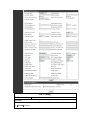
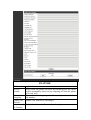
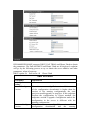
The phone will
automatically send out
alias number adding your
dialed number, if your
dialed number starts with
your set phone number.
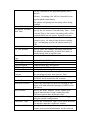
When you dial
“8309“, the SIP1
server will
receive
“07558309”
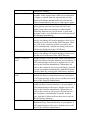
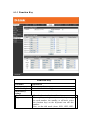
You need set Phone
Number, Alias and Delete
Length. Phone number is
XXXT and Alias is rep:
xxx
If your dialed phone
number starts with your
set phone number, the
first digits same as your
set phone number will be
replaced by the alias
number specified and
New phone number will
be send out.
If your dialed phone
number starts with your
set phone number. The
phone will send out your
dialed phone number
adding suffix number.
When you dial
“0106228”, the
SIP1 server will
receive
“86106228”
When you dial
“147”, the SIP1
server will
receive
“1470011”
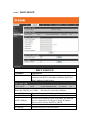
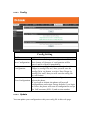
8.3.4 Phone
8.3.4.1
Audio
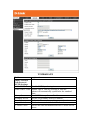
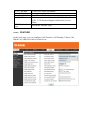
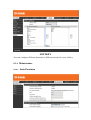
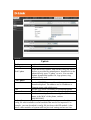
In this page, you can configure voice codec, input/output volume and so on.