1
United States
compaq.gif (932 bytes)
January 3, 2003
top_nav.gif (991 bytes)
Presario 1200 Series
Models: 1255, 1256, 1260, 1262, 1266, 1267, 1272, 1273, 1274, and 1275
Before You Begin
Specifications
Parts Catalog
Removal Sequence
Troubleshooting
Battery Operations
Product Description
Pin Assignments
Index
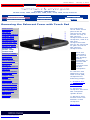
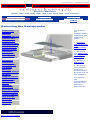
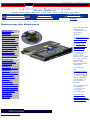
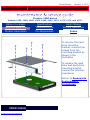
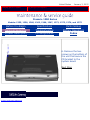
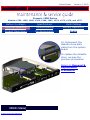
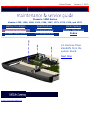
To remove the fan gasket, complete the following step:
Pull the gasket from the fan.
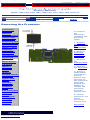
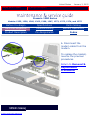
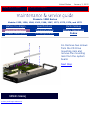
To replace the fan assembly, reverse the previous procedure.
NOTE:
NOTE:
When replacing the fan, ensure that the fan is
blowing into the computer. (The vendor label on the
fan should be facing in, toward the processor).
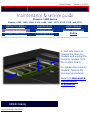
To replace the fan with gasket attached, place the
fan assembly at a 15° angle and push forward.
Return to Removal & Replacement Procedures
privacy and legal statement