1
United States
compaq.gif (932 bytes)
January 3, 2003
top_nav.gif (991 bytes)
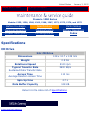
Presario 1200 Series
Models: 1255, 1256, 1260, 1262, 1266, 1267, 1272, 1273, 1274, and 1275
Before You Begin
Specifications
Parts Catalog
Removal Sequence
Troubleshooting
Battery Operations
Product Description
Pin Assignments
Index
Removing the Processor
Electrostatic
Discharge
Service
Consideration
Cables and
Connectors
Preparing the
Computer for
Disassembly
Battery Pack
Palmrest
Cover with
Touch Pad
Heatspreader
Keyboard
Processor
Hard Drives
CD Drive
Battery
Charger
Board
Modem
Display Panel
Assembly
Upper CPU
Cover
Speaker
Assembly
Diskette
Drive
Fan Assembly
System
Board
Dip Switch
Settings
Memory
Module
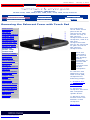
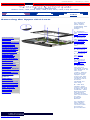
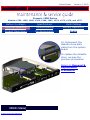
To remove
the
processor,
complete the
following
steps:
1. Prepare
the computer
for
disassembly.
2. Remove
palmrest
cover with
touch pad.
3. Remove
the
heatspreader.
4. Remove
the keyboard.
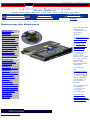
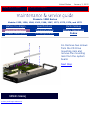
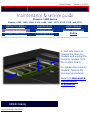
5. Insert a
small-blade
screwdriver
into the
bottom slot
opening on
the processor
and push
toward the
display to
release the
processor
from the
chassis slot.
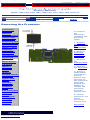
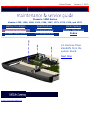
6. Lift the
processor out
of the
processor
chassis slot.
Next Step
privacy and legal statement