1
Mitel 3000
Installation & Maintenance Manual
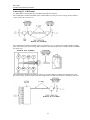
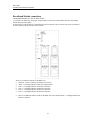
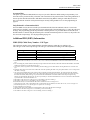
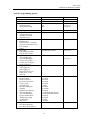
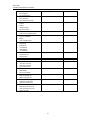
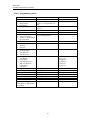
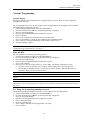
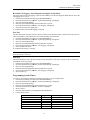
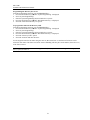
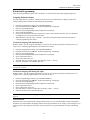
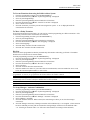
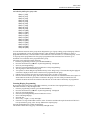
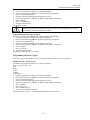
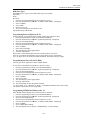
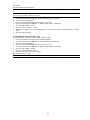
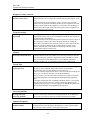
Extensions Settings Options without a T1 /PRI module installed
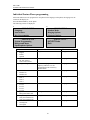
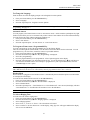
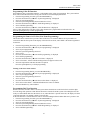
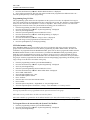
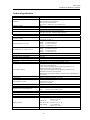
If “Extensions” is selected the options available when a T1/PRI module is not installed are:
1.
2.
Select Option
Select Option
- Name Programming
- Page Protection
- Restriction Classes
- Open Door Restriction
- Tone Protect
- Personal Caller ID List
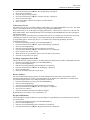
3.
4.
Select Option
Select Option
- Sys. Speed Dial Override
- VM Capacity % Used
- Voice Mail Boxes
- No Call Logging
- Extension Disconnect
- External Forwarding
5.
6.
Select Option
Select Option
- Examine Passwords
- Hot Line
- Restrict Use Of PA
- Manager/Assistant
- Port Swapping
- 20Hz Ringing
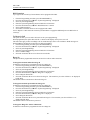
7.
8.
Select Option
Select Option
- Reverse Cadence
- DSS Extensions
- Keypad Confirmation
- Call Recording
- Flexible Numbering
- ExitBarge-In
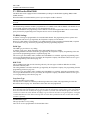
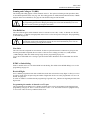
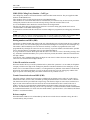
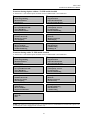
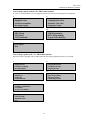
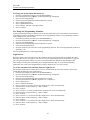
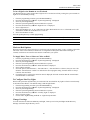
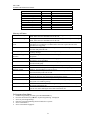
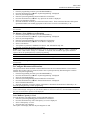
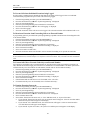
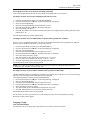
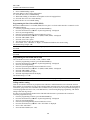
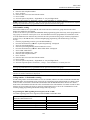
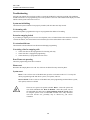
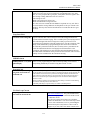
Extensions Settings with a T1 /PRI module installed
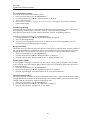
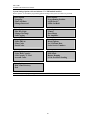
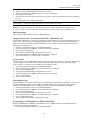
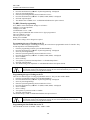
If “Extensions” is selected the options available when a T1/PRI module is not installed are:
1.
2.
Select Option
Select Option
- Name Programming
- Page Protection
- Restriction Classes
- Open Door Restriction
- Tone Protect
- Personal Caller ID List
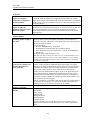
3.
4.
Select Option
Select Option
- Sys. Speed Dial Override
- VM Capacity % Used
- Voice Mail Boxes
- No Call Logging
- Extension Disconnect
- External Forwarding
5.
6.
Select Option
Select Option
- Examine Passwords
- Hot Line
- Restrict Use Of PA
- Manager/Assistant
- Port Swapping
- Tele-Secretary
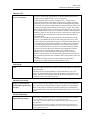
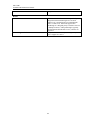
7.
8.
Select Option
Select Option
- 20Hz Ringing
- Flexible Numbering
- Reverse Cadence
- DSS Extensions
- Keypad Confirmation
- Call Recording
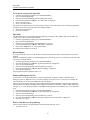
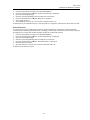
9.
Select Option
- Barge-In
- Exit
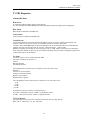
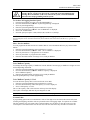
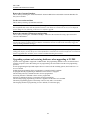
NOTE: The option to program Telesecretary is presented when a T1 /PRI Module is installed. This option is not
presented if the switch is equipped with CO Lines only.
63