1
3.
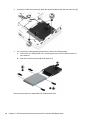
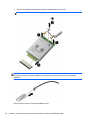
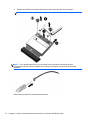
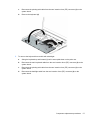
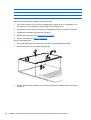
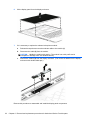
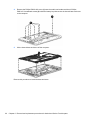
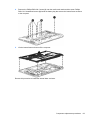
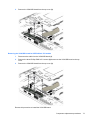
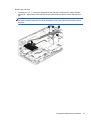
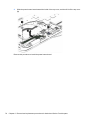
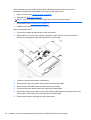
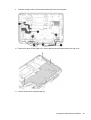
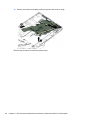
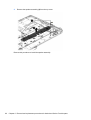
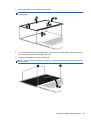
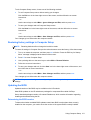
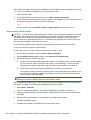
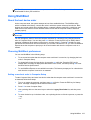
Remove the WLAN module (3) by pulling the module away from the slot at an angle.
NOTE: WLAN modules are designed with a notch to prevent incorrect insertion.
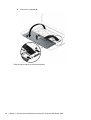
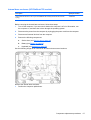
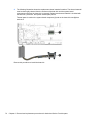
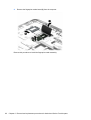
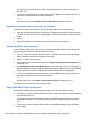
NOTE: If the WLAN antennas are not connected to the terminals on the WLAN module,
the protective sleeves must be installed on the antenna connectors, as shown in the following
illustration.
Reverse this procedure to install the WLAN module.
54
Chapter 5 Removal and replacement procedures for Customer Self-Repair parts