1
all.book
18 ページ
2004年6月22日 火曜日 午後12時1分
Setting Up
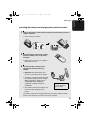
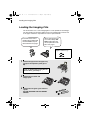
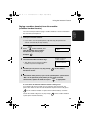
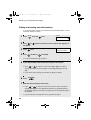
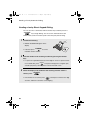
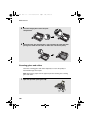
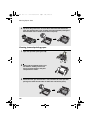
If you are connecting only one line:
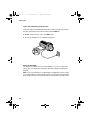
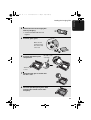
Insert one end of the provided telephone line cord into your phone jack and
the other end into the jack on the machine marked LINE 1/2.
♦ Do not connect the line cord to the LINE 2 jack!
♦ Be sure to disable line 2 as explained on page 37.
LIN
E2
LIN
E1
/2
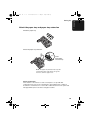
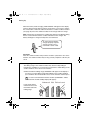
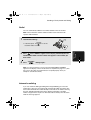
About the Dial Mode:
The machine is initially set for touch-tone dialing. If you are on a pulse dial
(rotary) line, you will need to change the dial mode setting as explained on
page 35.
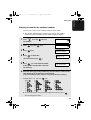
Note: If your area experiences a high incidence of lightning or power surges,
we recommend that you install surge protectors for the power and telephone
lines. Surge protectors can be purchased at most telephone specialty stores.
18