1
all.book
67 ページ
2004年6月22日 火曜日 午後12時1分
Operating the Answering System
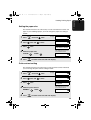
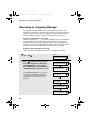
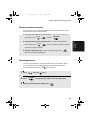
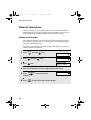
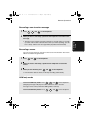
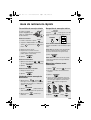
Erasing received messages
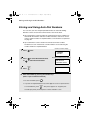
It is important to erase received messages after you listen to them to ensure
that the memory does not become full.
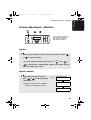
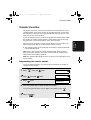
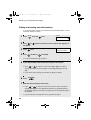
♦ Erasing all messages in the general box: To erase all messages in the
general box, press
FUNCTION
,
, and then
START/MEMORY
.
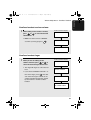
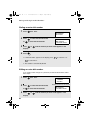
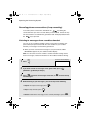
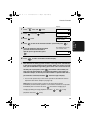
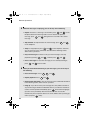
♦ Erasing all messages in a personal box: To erase all messages in a
personal box, press
FUNCTION
,
, enter the number of the box, and then
DELETE
enter the passcode if needed.
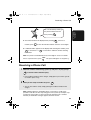
♦ Erasing a single message: To erase a single message, press
DELETE
while the message is being played.
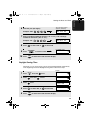
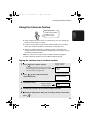
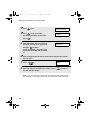
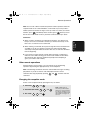
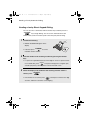
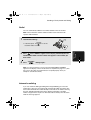
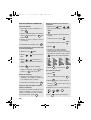
Recording memos
You can record memos for yourself and other users of the machine. These
are recorded in the general box, and will be played back together with
incoming messages when the
PLAY/
HOLD
key is pressed.
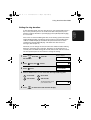
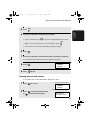
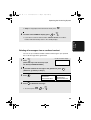
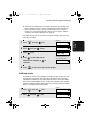
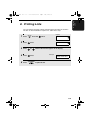
1
Press
2
Press
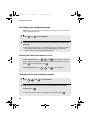
3
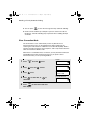
When you have finished speaking, press
REC/
MEMO
once and
START/MEMORY
once.
and speak facing “MIC” on the operation panel.
STOP
.
67
3. Answering
System
DELETE