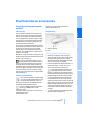
1
On/off and settings
On/off and settings
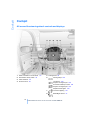
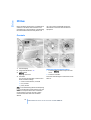
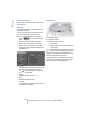
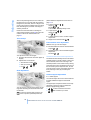
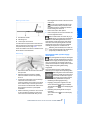
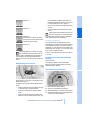
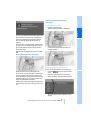
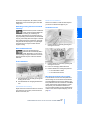
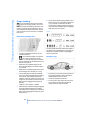
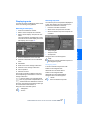
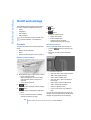
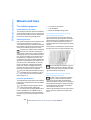
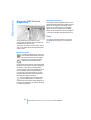
The following audio and video sources share
the same controls and adjustment options.
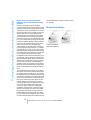
4
5
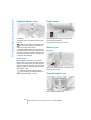
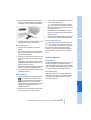
> Radio
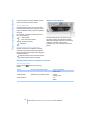
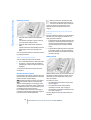
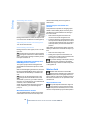
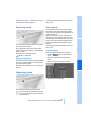
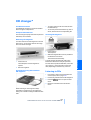
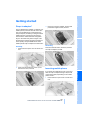
CD slot
button
Eject CD
> CD player*
6
> CD changer*
> DVD changer*
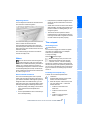
The CD changer can play CDs with compressed audio files, such as MP3s.<
Controls
button
Station scan/track search
> Select radio station
> Fast forward/reverse
> Change track for CD player,
change chapter for DVD changer
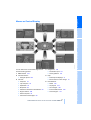
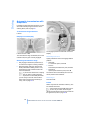
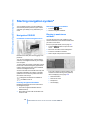
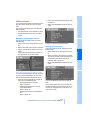
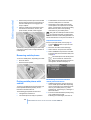
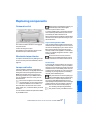
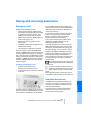
Operating via iDrive
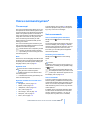
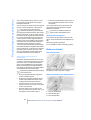
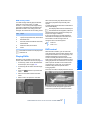
The audio and video sources can be operated
using:
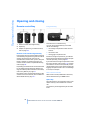
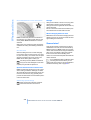
> Buttons on the CD player
> iDrive
> Buttons on steering wheel, refer to page 11
iDrive, for principle details, refer to page 16.
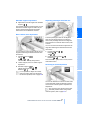
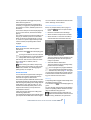
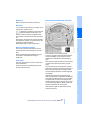
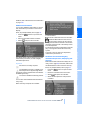
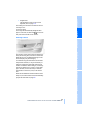
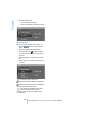
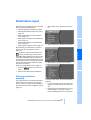
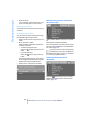
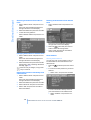
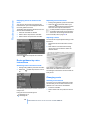
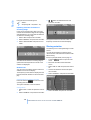
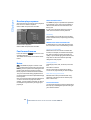
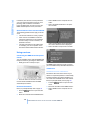
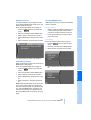
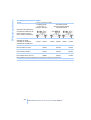
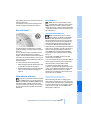
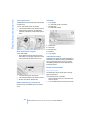
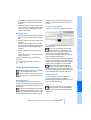
1. Press the
menu.
button to open the start
2. Move the controller toward "Entertainment".
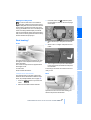
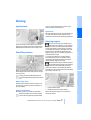
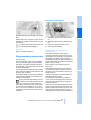
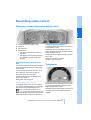
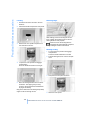
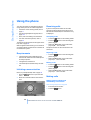
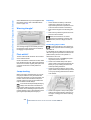
Buttons on the CD player
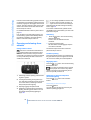
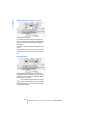
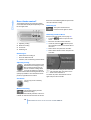
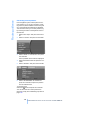
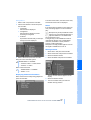
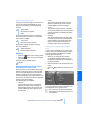
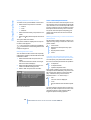
3. You have the choice of:
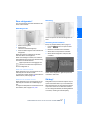
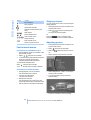
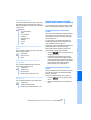
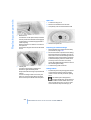
1
Entertainment sound output on/off, volume
> Press: switching on/off
When switching on, the most recently
selected radio station or CD track is
selected.
> Turn: adjusting volume
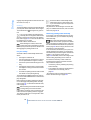
2
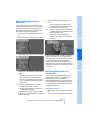
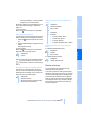
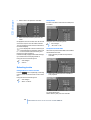
> "WB": select Weather Band.
> "SAT": select satellite radio.
> "CD" and "CDC": select CD player or
CD changer.
> "AUX": select external audio device
> "DVD": select DVD changer*.
button
Selecting radio, CD player, and CD changer
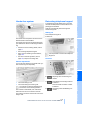
3
> "FM" and "AM": select radio reception.
button
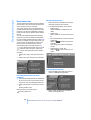
> Press briefly: selecting AM or FM waveband
> Press and hold: Autostore, updating
selection of stations in range
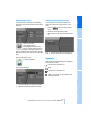
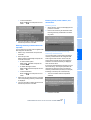
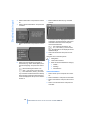
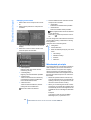
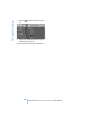
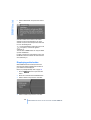
> "Picture": adjust picture*.
> "Tone": tone control, e.g. treble and
bass.
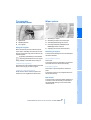
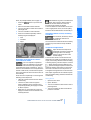
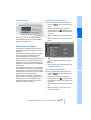
You can also control the radio, CD player, CD
changer, external audio devices, and the DVD
changer using the buttons on the steering
152
Online Edition for Part no. 01 41 0 013 316 - © 02/07 BMW AG