1
Storage Manager
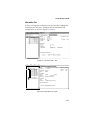
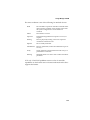
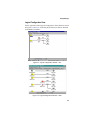
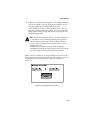
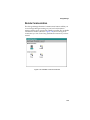
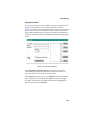
This window displays a list of the events submitted to the
application log by the broadcaster, as well as other applications.
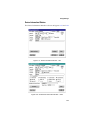
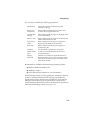
Adaptec events are single-line entries that contain the following
information:
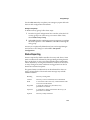
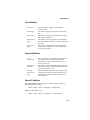
Icon
Indicates the severity of the event. Levels are Error,
Warning, Information, Operation, or Unknown.
Date
Date the event was logged by the controller.
Time
Time the event was logged by the controller.
Source
Software component—application, Windows
component, or device driver—that triggered the
event. Events can have dptelog, dpteng32, or
dptscom in their Source field.
Category
Includes None, Operation, Warning, or a
hexadecimal event code.
Event ID
Number assigned by the broadcaster to identify the
event for Windows.
User
Always display N/A.
Computer
Name of the system where the event occurred.
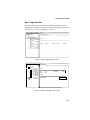
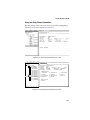
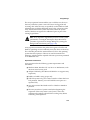
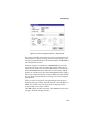
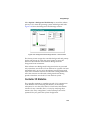
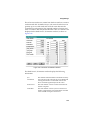
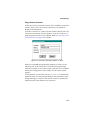
To view additional information about an event, click View > Detail.
The Description and Data fields display additional information
about the event. The Description field contains a detailed text
description of the event. The Data field contains the original
controller event log data, generated by the controller. This data
might be requested by your technical support representative when
troubleshooting problems.
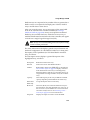
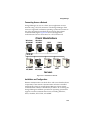
Event information can be saved by the Event Viewer to a file. If the
file is saved in text format then only the event description is saved.
Archiving in event log (.evt) file format saves all event information,
which can then be sent out for troubleshooting purposes.
3-40