1
6. Turning the Power ON and OFF
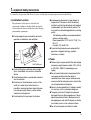
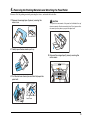
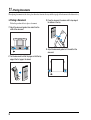
Use the power switch to turn the device ON and OFF.
❏ Turning the Power ON
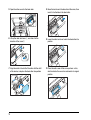
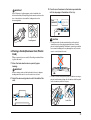
❏ Turning the Power OFF
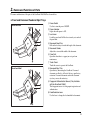
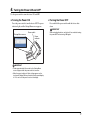
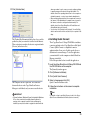
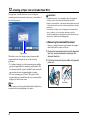
Press the power switch to turn the device ON. The power
indicator lights, and the Startup Menu screen appears.
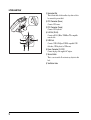
Press and hold the power switch until the device shuts
down.
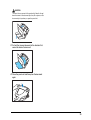
IMPORTANT
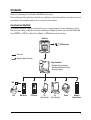
Power switch
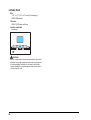
Startup Menu screen
Power
indicator
When restarting the device, wait at least 5 seconds after turning
the power OFF before turning it ON again.
IMPORTANT
• It takes approximately 40 seconds for the Startup Menu
screen to appear after the power switch is turned on.
• When the power indicator is lit but nothing appears on the
touch panel, Display Off has activated to turn the panel display
off. You can touch the panel to restore the display.
17