1
Alignment & Troubleshooting
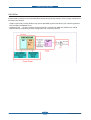
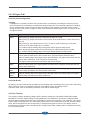
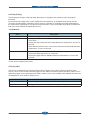
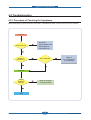
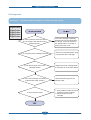
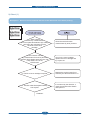
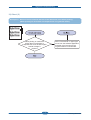
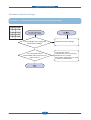
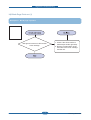
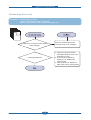
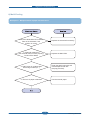
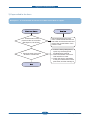
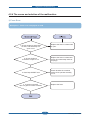
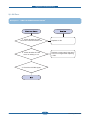
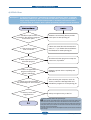
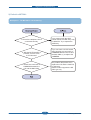
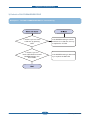
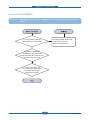
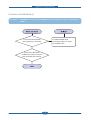
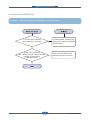
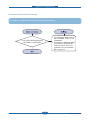
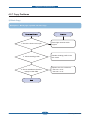
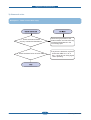
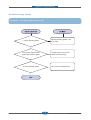
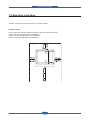
3) JAM 1
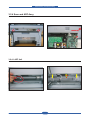
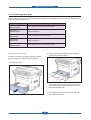
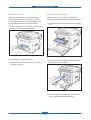
Description : 1. Recording paper is jammed in front of or inside the fuser.
2. Recording paper is stuck in the discharge roller and in the fuser just after
passing through the Actuator-Feed.
Service Manual
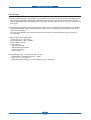
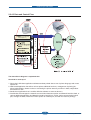
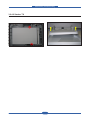
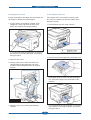
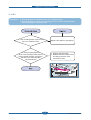
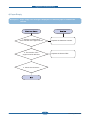
1. If the recording paper is jammed in
front of or inside the fuser.
Replace the SMPS or Exit-Sensor.
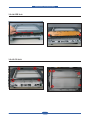
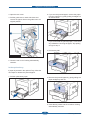
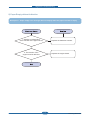
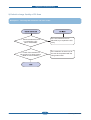
2. If the recording paper is
stuck in the discharge roller and the
fuser just after passing through the
Actuator-Feed, Feed Actuator
may be defective.
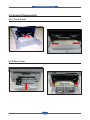
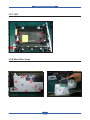
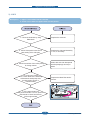
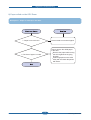
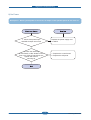
1. Replace the Main PBA.
2. Reassemble the Actuator-Feed
and Spring-Actuator if the
movement is bad.
4-47
Samsung Electronics