1
e715.book Page 23 Thursday, October 2, 2003 7:53 PM
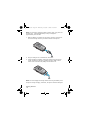
Low Battery Indicator
When the battery is weak and only a few minutes of talk time
remain, you will hear a warning tone and a message repeats at
regular intervals on the display. When the battery level gets
too low, the phone turns off automatically.
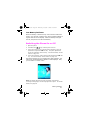
Switching the Phone On or Off
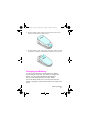
1. Open the phone.
2.
Hold down the
3.
If the phone asks you to enter the phone password, enter the
password and press the OK soft key. The phone password is
preset to “00000000” at the factory. For further details, “Access
Codes” on page 115.
key until the phone turns on.
4.
If the phone asks for a PIN, enter the PIN and press the OK soft
key. For further details, “Access Codes” on page 115.
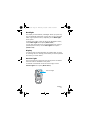
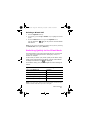
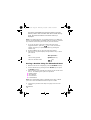
The phone searches for your network and, after finding it, the
idle screen, illustrated below, appears on both displays. Now,
you can make or receive a call.
Note: The display language is preset to English at the factory.
To change the language, use the Language menu option. For further
details, see page 89.
Getting Started
23