1
e715.book Page 73 Thursday, October 2, 2003 7:53 PM
Templates
This menu option stores up to five messages you saved as
templates. You can make a new message using the text
from these messages.
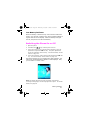
1. Scroll through the template list using the Up and Down keys.
When the message template you want highlights, press the
Select soft key. The message text displays.
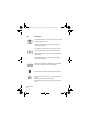
2. Press the OK soft key to use the following options:
Edit Message: allows you to send a message using the
template. For further details about how to send a message,
see page 63.
Delete: allows you to delete the message. You are asked to
confirm the deletion by pressing the Yes soft key.
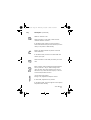
Delete All
This menu option allows you to delete all of the picture
messages in each message box, Inbox, Outbox and Draft.
When a confirming message displays, press the Yes soft key
to confirm.
Memory Status
This menu option displays the memory status of the folders
in the picture message menu. Use the Next soft key to view
the memory status of the individual folders.
Picture Messages
73