1
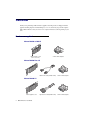
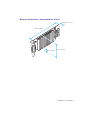
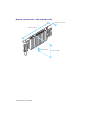
Standard (ATX) connection setup
This section describes how to connect your monitors to a standard (ATX) Matrox graphics card.
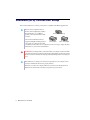
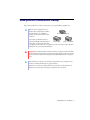
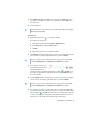
Note: To connect a digital monitor (a
monitor that uses digital input, usually a
flat panel monitor) to your Matrox
product, your monitor must have a DVI
connector.
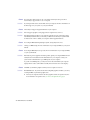
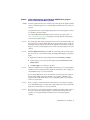
HD-15 connector (analog)
Some monitors with DVI connectors
DVI connector
DVI connector
support both digital and analog input. If
(DVI-D: digital)
(DVI-I: analog/digital)
you’re using one of these monitors with
your Matrox product, make sure it’s configured to use the correct type of input. For more
information, see your monitor documentation.
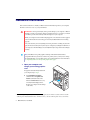
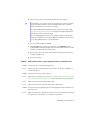
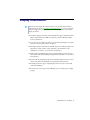
WARNING: Don’t change monitor connections while your computer is turned on. While
your computer is turned on, it may be using monitor settings that are specific to the current
monitor connections. Some devices may be permanently damaged if incorrect settings are
used.
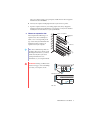
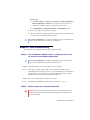
Note: Whenever you change your connection setup, make sure you’re using the correct
connectors and that all connectors are properly fastened.
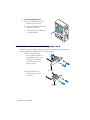
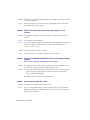
Whenever you restart your computer, make sure your monitors are already turned on.
Otherwise, the software may not be able to properly detect your monitors.
8
Matrox M-Series – User Guide