1
Print Options
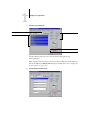
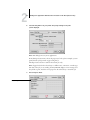
Creep Adjustment
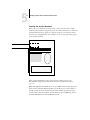
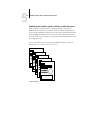
Use this option to adjust images that may shift from the center of the sheet in booklet
print jobs. Creep can occur when booklet jobs have a large number of pages or when
booklet jobs are printed on thick media.
N OTE : To use this option, the Booklet Maker option must be set to Standard Booklet,
and the Duplex option to Top-Top.
Duplex
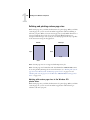
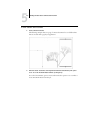
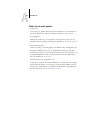
Top-Top—Prints the top of the image on Side 1, on the same edge of the page as the
top of the image on Side 2.
Top-Bottom—Prints the top of the image on Side 1, on the opposite edge of the page
from the top of the image on Side 2.
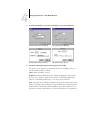
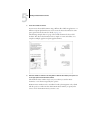
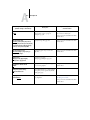
The following table shows how the Duplex settings correspond to printed output:
Top-Top
Top-Bottom
2
Portrait
1
2
1
2
A
A-13
Landscape
1
2
1