1
color900.book Page 145 Wednesday, January 6, 1999 12:39 PM
Aligning the Print Head
If your printouts contain misaligned vertical lines, you may need to align
the print head.
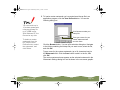
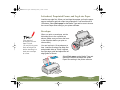
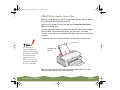
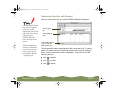
Load paper that’s at
least 8.27 inches
(210 mm) wide. This
prevents ink from
spraying inside the
printer and smudging
your printouts.
For the best results,
load EPSON ink jet
paper in the printer
whenever you check
the print head
alignment.
If you are using Windows or Macintosh, you can use the Print Head
Alignment utility in your printer software. Your printer must be connected
to a local port, not on a network, to use this utility.
If you are using DOS, see Using the DOS Print Head Alignment Utility or
Using the Control Panel Buttons.
Using the Print Head Alignment Utility
Follow these steps:
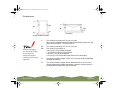
1 Make sure the printer is turned on and letter-size paper is loaded.
2 Start an application and open a document.
3 Access the printer settings dialog box as described in Printing from
Windows or Printing from a Macintosh.
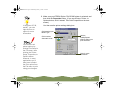
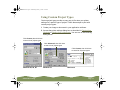
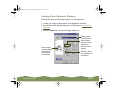
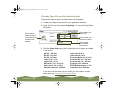
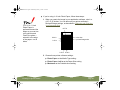
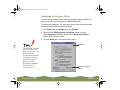
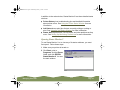
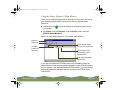
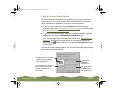
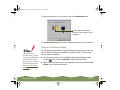
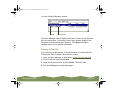
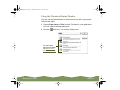
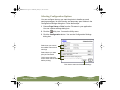
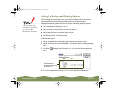
4 Click the Utility tab (Windows) or the
see the Utility menu.
Utility icon (Macintosh). You
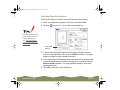
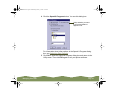
5 Click the Print Head Alignment icon.
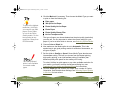
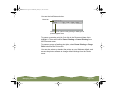
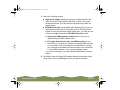
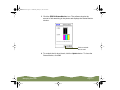
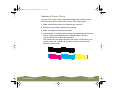
6 Follow the instructions on the screen to print a test page and select the
correct alignment.
Maintenance and Transportation
Page 145