1
DGS-3212SR Stackable Gigabit Layer 2 Switch
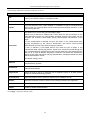
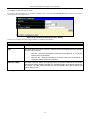
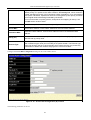
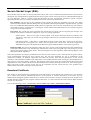
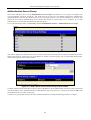
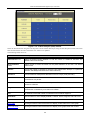
Application Authentication Settings
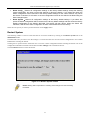
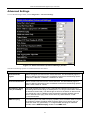
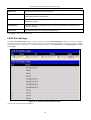
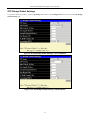
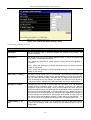
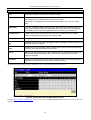
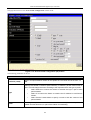
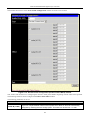
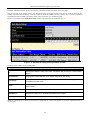
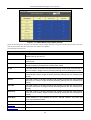
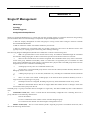
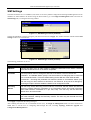
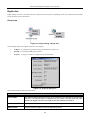
This window is used to configure switch configuration applications (console, Telnet, SSH, and web) for login at the user
level and at the administration level (Enable Admin) utilizing a previously configured method list.
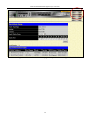
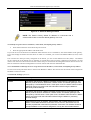
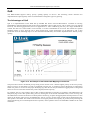
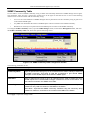
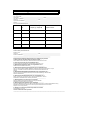
Figure 5- 9. Application’s authentication settings window
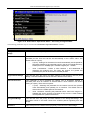
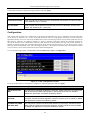
The following parameters can be set:
Parameter
Description
Application
Lists the configuration applications on the Switch. The user may configure the Login
Method List and Enable Method List for authentication for users utilizing the Console
(Command Line Interface) application, the Telnet application, the Secure Shell (SSH)
application, and the Web (HTTP) application.
Login Method List
Using the pull-down menu, configure an application for normal login on the user level,
utilizing a previously configured method list. The user may use the default Method List
or other Method List configured by the user. See the Login Method List Settings
window, in this section, for more information
Enable Method List
Using the pull-down menu, configure an application for normal login on the user level,
utilizing a previously configured method list. The user may use the default Method List
or other Method List configured by the user. See the Enable Method List Settings
window, in this section, for more information
Click Apply to implement changes made.
131