1
DGS-3212SR Stackable Gigabit Layer 2 Switch
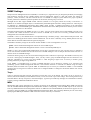
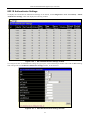
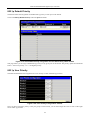
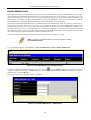
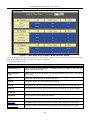
802.1X Authenticator Settings
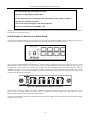
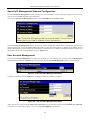
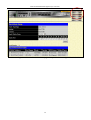
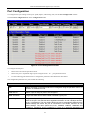
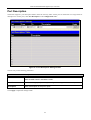
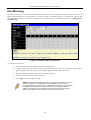
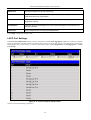
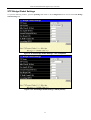
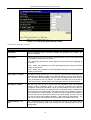
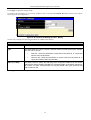
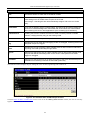
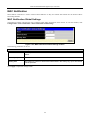
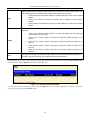
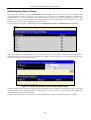
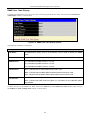
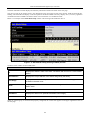
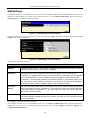
To display the current 802.1X Authenticator Settings on the Switch, click Configuration > Port Access Entity > 802.1x
Authenticator Settings, which will display the following window.
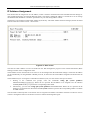
Figure 4- 20. 1st 802.1X Authenticator Settings window
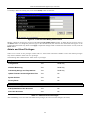
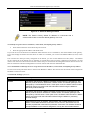
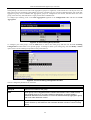
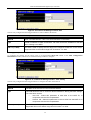
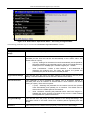
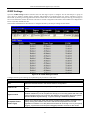
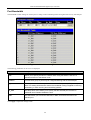
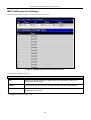
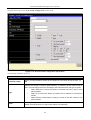
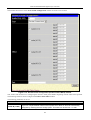
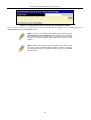
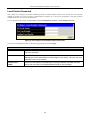
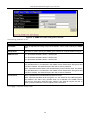
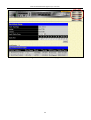
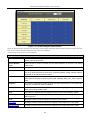
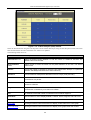
To configure the 802.1X Authenticator settings for a given port, click on the blue port number link under the Port heading.
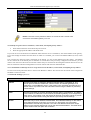
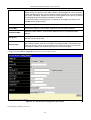
This will open the second 802.1X Authenticator Settings window, as shown below.
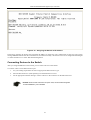
Figure 4- 21. 2nd 802.1X Authenticator Settings window
57