1
Transferring pictures to your Macintosh
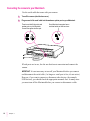
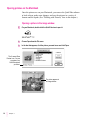
Before you can transfer pictures from the camera, it must be connected to
your Macintosh. For instructions, see “Connecting the Camera to Your
Macintosh,” earlier in this chapter.
1
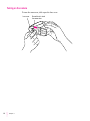
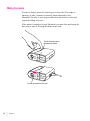
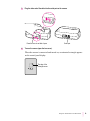
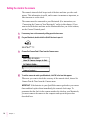
If the camera is off, turn it on by sliding open the lens cover.
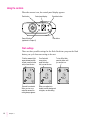
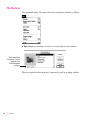
When the camera is connected and turned on, an animated rectangle appears
on the control panel display.
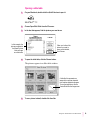
2
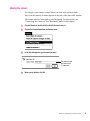
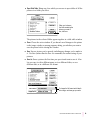
On your Macintosh, double-click the QuickTake icon to open it.
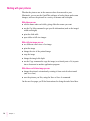
3
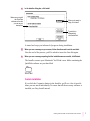
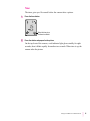
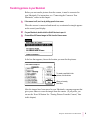
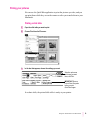
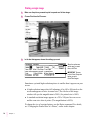
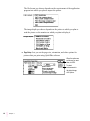
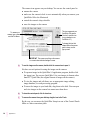
Choose Move All Camera Images to Disk from the Camera menu.
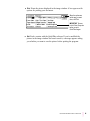
In the box that appears, choose the location you want for the pictures.
To create a new folder for the
pictures, click this button.
When you’re ready,
click Save.
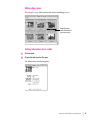
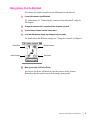
After the images have been moved to your Macintosh, a message appears that
gives you a chance to erase the images from the camera. (If you prefer, you
can use the Erase All button. See “Erasing Pictures From the Camera,” later
in this chapter.)
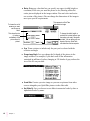
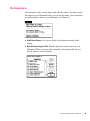
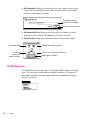
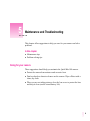
Using the Camera With Your Macintosh
21